
Proximity Sensors: Inductive, Capacitive and Photoelectric Explained
On this page
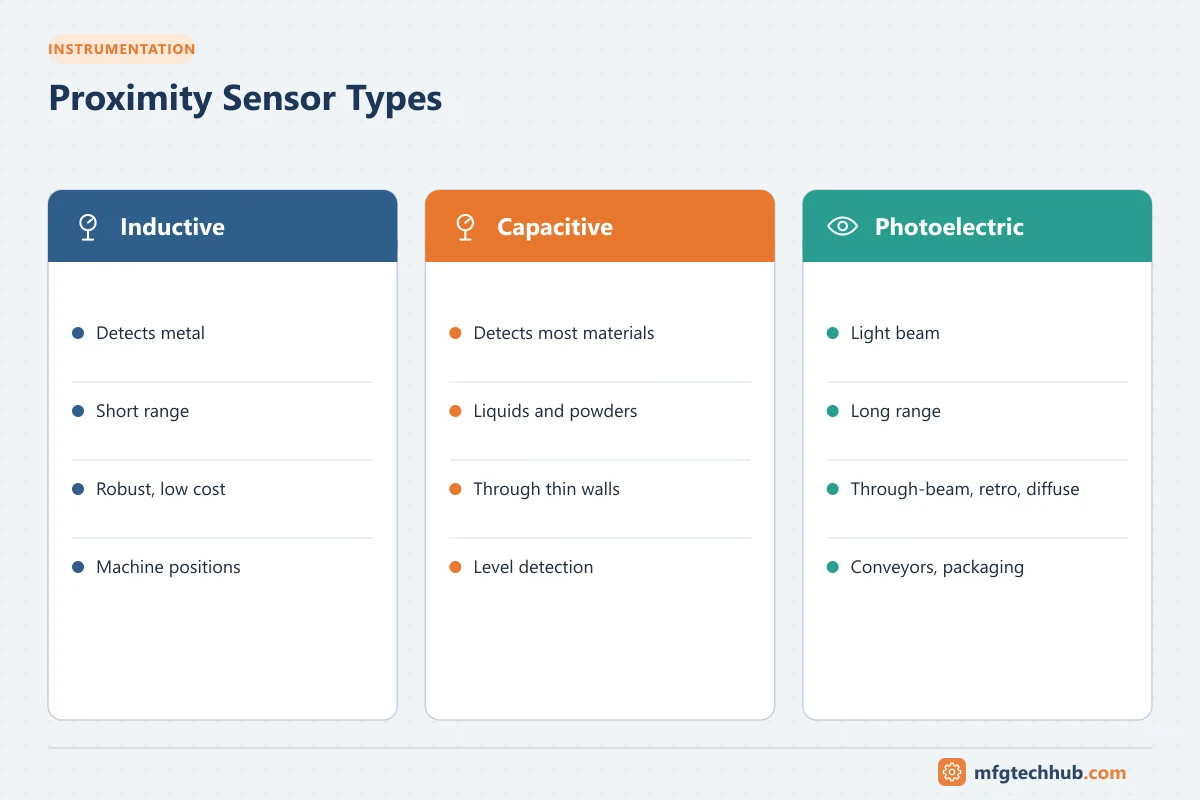
Proximity sensors tell a PLC whether something is present: a part on a conveyor, a cylinder at the end of its stroke, a bottle in position, or a level reached in a hopper. They detect objects without physical contact, so they last far longer than mechanical limit switches and work at high speeds. The three most common families are inductive, capacitive and photoelectric sensors.
Inductive proximity sensors
An inductive sensor creates a high-frequency electromagnetic field at its face. When a metal object enters the field, eddy currents reduce the oscillator’s amplitude, and the sensor switches.
Key points
- Detects metals only, unaffected by dust, oil, water and most non-metallic materials
- Short sensing range, typically from about 1 mm to 40 mm depending on size
- Very robust and fast; the most common sensor in factory automation
Sensing distance and correction factors
The rated sensing distance (Sn) is specified for a standard mild steel target. Other metals are detected at shorter distances:
| Target material | Typical correction factor |
|---|---|
| Mild steel | 1.0 |
| Stainless steel | about 0.7-0.9 |
| Brass | about 0.4-0.5 |
| Aluminium | about 0.3-0.45 |
| Copper | about 0.25-0.4 |
Factors vary by manufacturer. “Factor 1” sensors detect all metals at the same distance. For reliable operation, use the assured operating distance, typically about 80% of Sn.
Flush vs non-flush
- Flush (shielded) sensors can be mounted level with a metal surface, with shorter range.
- Non-flush (unshielded) sensors protrude and have longer range, but need clearance from surrounding metal.
Capacitive proximity sensors
A capacitive sensor detects a change in capacitance when an object enters its sensing field. It detects almost any material: metals, plastics, wood, glass, liquids, powders and granules.
Typical uses
- Level detection of liquids, grains and powders, sometimes through a non-metallic tank or hopper wall
- Detection of non-metallic parts such as cardboard, plastics and glass
- Presence of material in bins and feeders
Considerations
- Sensitivity is adjustable (potentiometer or teach button) and depends on the material’s dielectric constant; water-based materials are detected easily, dry plastics less so.
- Build-up, moisture and temperature changes can affect performance; sensitivity may need adjustment.
Photoelectric sensors
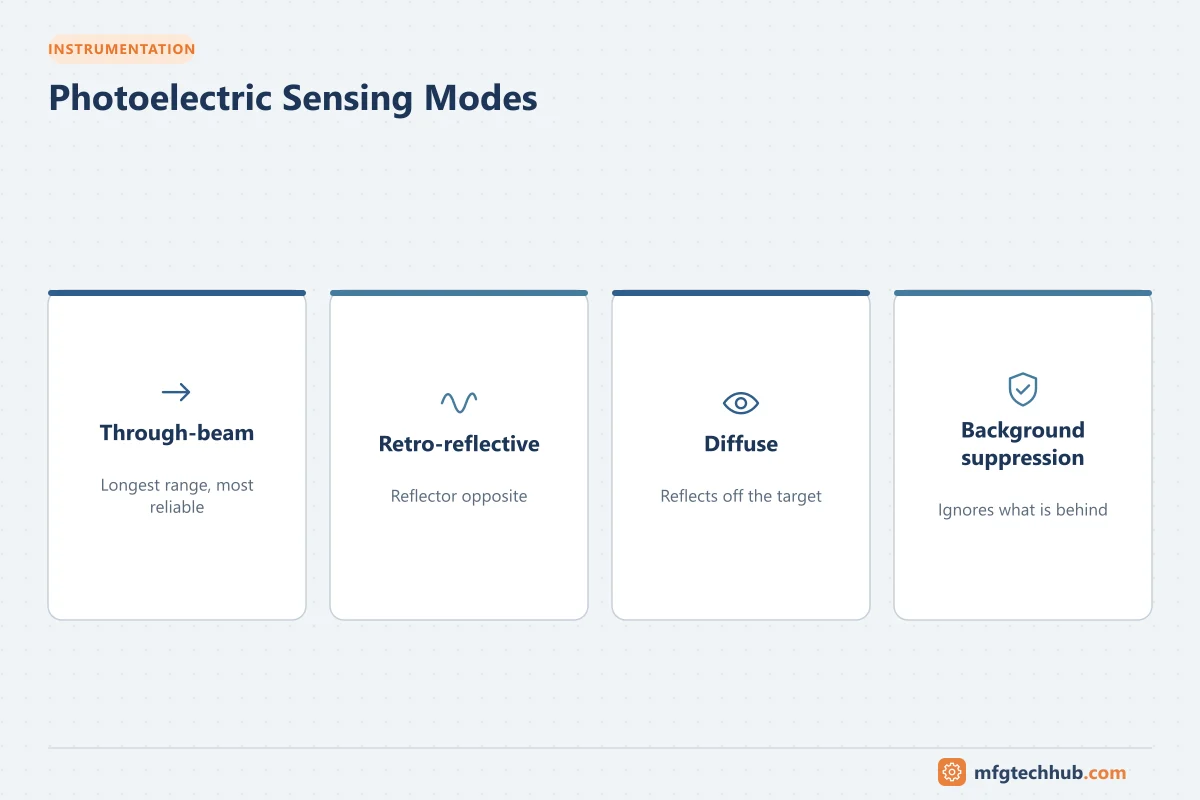
Photoelectric sensors use a light beam (usually red, infrared or laser) to detect objects over longer distances.
| Mode | How it works | Range | Notes |
|---|---|---|---|
| Through-beam | Separate emitter and receiver; object breaks the beam | Longest (tens of metres) | Most reliable; two devices to mount and wire |
| Retro-reflective | Sensor and reflector; object breaks the reflected beam | Medium | Polarized versions avoid false detection of shiny objects |
| Diffuse | Sensor detects light reflected from the object itself | Short | Depends on object color and surface |
| Background suppression | Diffuse sensor that detects only within a set distance | Short to medium | Ignores objects behind the target |
Special types include fiber-optic sensors for tiny spaces, color and contrast sensors for print marks, laser distance sensors, and clear-object sensors for transparent bottles and films.
Other non-contact sensors
- Ultrasonic sensors: measure distance using sound echoes; detect transparent, colored and irregular objects, and levels.
- Magnetic sensors (reed or Hall effect): detect magnets, commonly used on pneumatic cylinders to sense piston position.
Outputs and wiring
PNP vs NPN
| Output | Behavior | Connects to |
|---|---|---|
| PNP (sourcing) | Switches the positive supply to the load | Sinking PLC inputs; common in Europe and many global plants |
| NPN (sinking) | Switches the load to 0 V | Sourcing PLC inputs; common in parts of Asia |
The sensor type must match the PLC input type. Using the wrong type is a common commissioning error.
Other output options
- NO / NC: normally open or normally closed output logic
- 2-wire DC or AC/DC sensors: replace mechanical switches; watch for leakage current and voltage drop
- Analog outputs (4-20 mA or 0-10 V) on distance-measuring sensors
- IO-Link: point-to-point digital communication for configuration, diagnostics and process data, replacing a standard 3-wire connection
Common wire colors (IEC 60947-5-2 conventions): brown +V, blue 0 V, black output, white second output or IO-Link.
Choosing the right sensor
| Requirement | Suitable sensor |
|---|---|
| Detect metal parts at short range in a dirty environment | Inductive |
| Detect non-metallic materials or level through a plastic wall | Capacitive |
| Detect objects at long range | Through-beam or retro-reflective photoelectric |
| Ignore the background behind a target | Background suppression photoelectric |
| Detect transparent objects | Clear-object photoelectric or ultrasonic |
| Detect cylinder piston position | Magnetic (reed or Hall) |
Also consider: required switching frequency, housing size (M8, M12, M18, M30), IP rating, temperature range, washdown resistance and hazardous area certification.
Troubleshooting tips
- Check the LED indicator on the sensor; it shows the output state.
- Measure supply voltage and output at the PLC input.
- For inductive sensors, check target size, material and distance.
- For photoelectric sensors, clean lenses and reflectors and check alignment.
- For capacitive sensors, check for build-up and readjust sensitivity.
Key takeaways
- Inductive sensors detect metals; capacitive sensors detect almost anything; photoelectric sensors detect over longer distances.
- Sensing distance depends on target material and size; design within the assured operating distance.
- Match PNP or NPN outputs to the PLC input type; IO-Link adds configuration and diagnostics.
Related tutorials
Before you apply this in a plant: this article is for education. Always check the current edition of the relevant standards, the manufacturer's documentation for your exact product and version, and your site's procedures. Safety-related work needs qualified personnel. See our editorial policy.