
P&ID Software Tools: AutoCAD Plant 3D, Smart P&ID, AVEVA and More
On this page
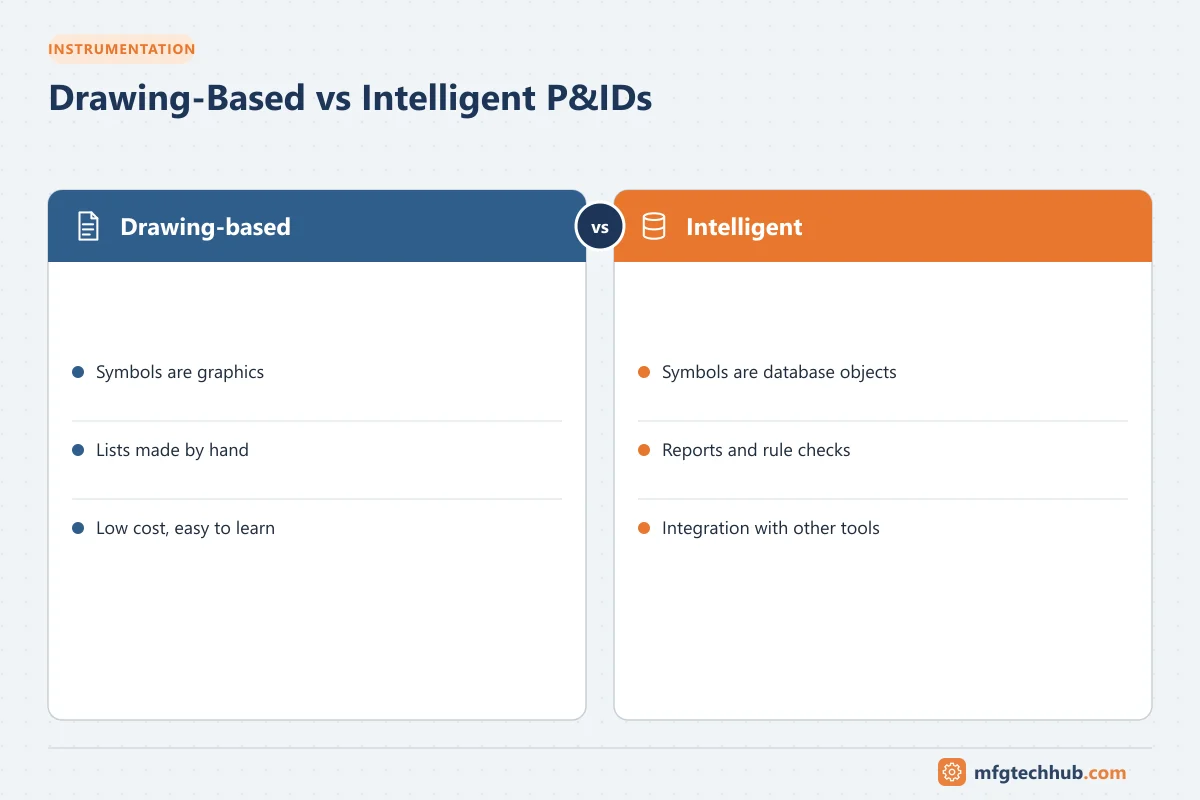
P&IDs used to be drawn by hand, then as plain CAD drawings. Today, most large projects use intelligent (data-centric) P&ID software, where every symbol is an object in a database. That database can produce instrument lists, line lists and valve lists automatically, check consistency, and share data with 3D design and instrumentation tools.
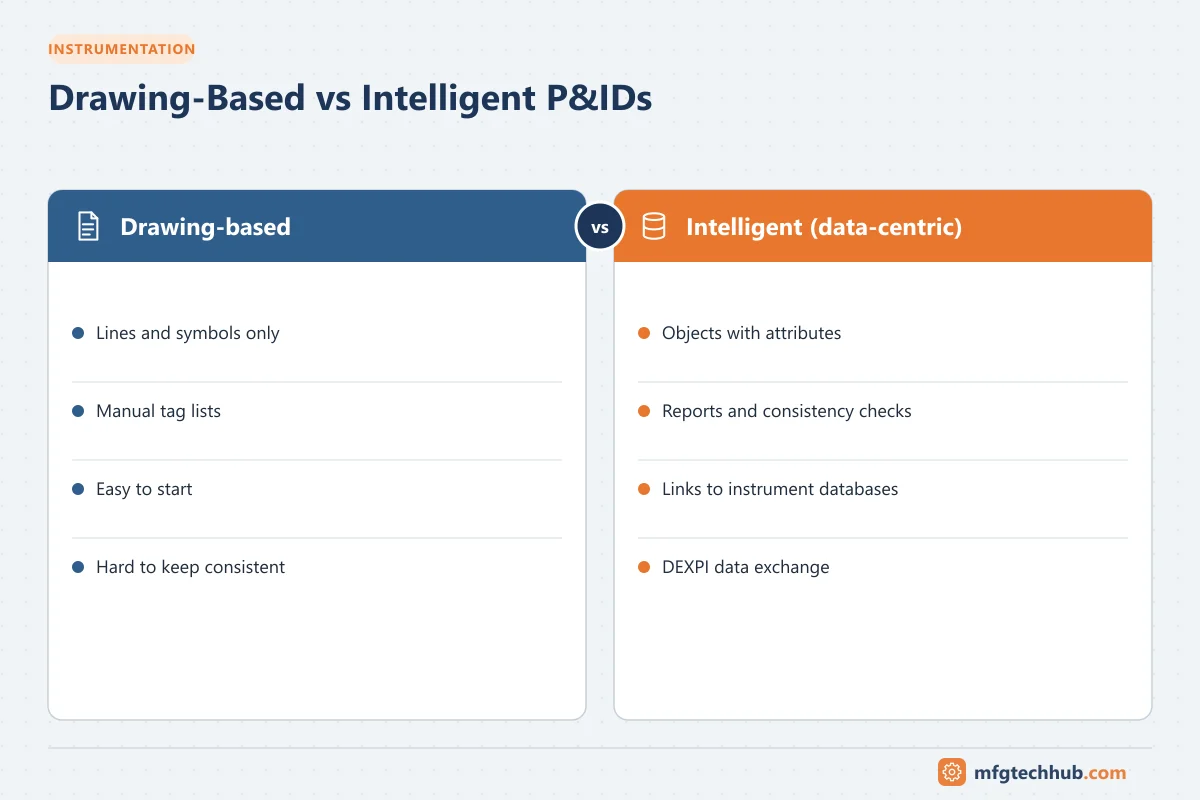
This article explains the difference between intelligent and drawing-only tools, introduces the major software products, and gives advice on choosing one.
Drawing-based vs intelligent P&IDs
| Feature | Drawing-based (plain CAD, Visio) | Intelligent P&ID software |
|---|---|---|
| What a symbol is | Lines and shapes | An object with properties (tag, size, spec, service) |
| Lists and reports | Created manually | Generated automatically from the database |
| Consistency checking | Manual review | Rules check connectivity, specs and tags |
| Integration | Limited | Links to 3D design, instrument databases and document control |
| Learning curve and cost | Lower | Higher |
| Best for | Small projects, sketches, training | Large projects, owner operators, long plant life |
The main benefit of an intelligent P&ID is single-source data: when a line size changes on the drawing, the line list, 3D model and instrument data can all be updated consistently.
Major P&ID software products
AutoCAD Plant 3D / AutoCAD P&ID (Autodesk)
AutoCAD Plant 3D includes an intelligent P&ID module built on the familiar AutoCAD platform. It supports ISA and other symbol libraries, project databases, data manager reports, and links to 3D piping models. Its AutoCAD base makes it popular with engineering contractors and small-to-medium projects.
Smart P&ID (Hexagon, formerly Intergraph SmartPlant P&ID)
Widely used on large oil and gas, chemical and power projects. It is rule-driven and integrates with Hexagon’s engineering suite, including instrumentation (Smart Instrumentation, formerly INtools), 3D design and electrical tools, supporting data handover to owners.
AVEVA P&ID / AVEVA Diagrams
AVEVA’s intelligent diagram tools are integrated with AVEVA’s engineering and 3D design products (such as AVEVA E3D) and its engineering data management. It is common in energy, process and marine projects.
Bentley OpenPlant PID
Part of Bentley’s plant design suite, integrating with OpenPlant Modeler and Bentley’s infrastructure tools, and supporting ISO 15926-based data exchange.
Microsoft Visio and general drawing tools
Visio includes process engineering stencils and is useful for simple diagrams, concept sketches, training material and small modifications. It lacks the database intelligence of dedicated tools.
Other tools
Various other packages exist, from simulation-integrated diagram tools to lower-cost CAD add-ons. Process simulators such as Aspen HYSYS and similar tools produce PFDs rather than P&IDs.
Data exchange: DEXPI
Different organizations often use different P&ID tools. DEXPI (Data Exchange in the Process Industry) is an initiative that defines a vendor-neutral format, based on ISO 15926 concepts, for exchanging intelligent P&ID data between tools without losing the objects and properties. Support for DEXPI import and export is increasingly important when owners and contractors use different software.
Features to look for
- Symbol libraries that support your standards (ISA-5.1, ISO 10628 / ISO 14617, company standards).
- Rule checking for connectivity, specification breaks and duplicate tags.
- Reporting of instrument, line, valve and equipment lists.
- Integration with 3D design, instrumentation databases and document management.
- Revision control and multi-user access for large teams.
- Data exchange (DEXPI, Excel import/export, APIs).
- Licensing cost, training availability and local support.
Practical advice
- For learning and small modifications, a general CAD tool or Visio with standard stencils is enough.
- For projects, use the tool your client or contractor specifies, so that data can be handed over.
- For owner-operators, choose a tool that supports long-term data maintenance and management of change.
- Define a project setup early: symbol set, tag format, line numbering and property lists. Retrofitting standards later is expensive.
- Keep the database and drawings in sync with a controlled workflow; an intelligent P&ID is only as good as its data.
Frequently asked questions
Can I create P&IDs in AutoCAD without Plant 3D?
Yes, P&IDs can be drawn in standard AutoCAD using symbol blocks, but the result is a drawing only. Intelligent tools such as AutoCAD Plant 3D store symbols as data objects, making it possible to generate lists and check consistency automatically.
Which P&ID software should a beginner learn?
Learn the principles first (symbols, tags, loops) using any drawing tool. Then learn the software used by the companies where you want to work; contractors and owners usually specify the tool for each project.
What is DEXPI?
DEXPI (Data Exchange in the Process Industry) is an initiative that defines a vendor-neutral format for exchanging intelligent P&ID data between different software tools, preserving objects and properties rather than just graphics.
Key takeaways
- Intelligent P&ID tools treat symbols as data objects and generate lists automatically.
- AutoCAD Plant 3D, Hexagon Smart P&ID, AVEVA and Bentley OpenPlant are the main professional tools.
- DEXPI enables data exchange between different P&ID applications.
- Standards and project setup matter as much as the choice of software.
Related tutorials
Before you apply this in a plant: this article is for education. Always check the current edition of the relevant standards, the manufacturer's documentation for your exact product and version, and your site's procedures. Safety-related work needs qualified personnel. See our editorial policy.