
PLC Components: CPU, Memory, I/O Modules, Power Supply and Communication, with Selection Tips
On this page
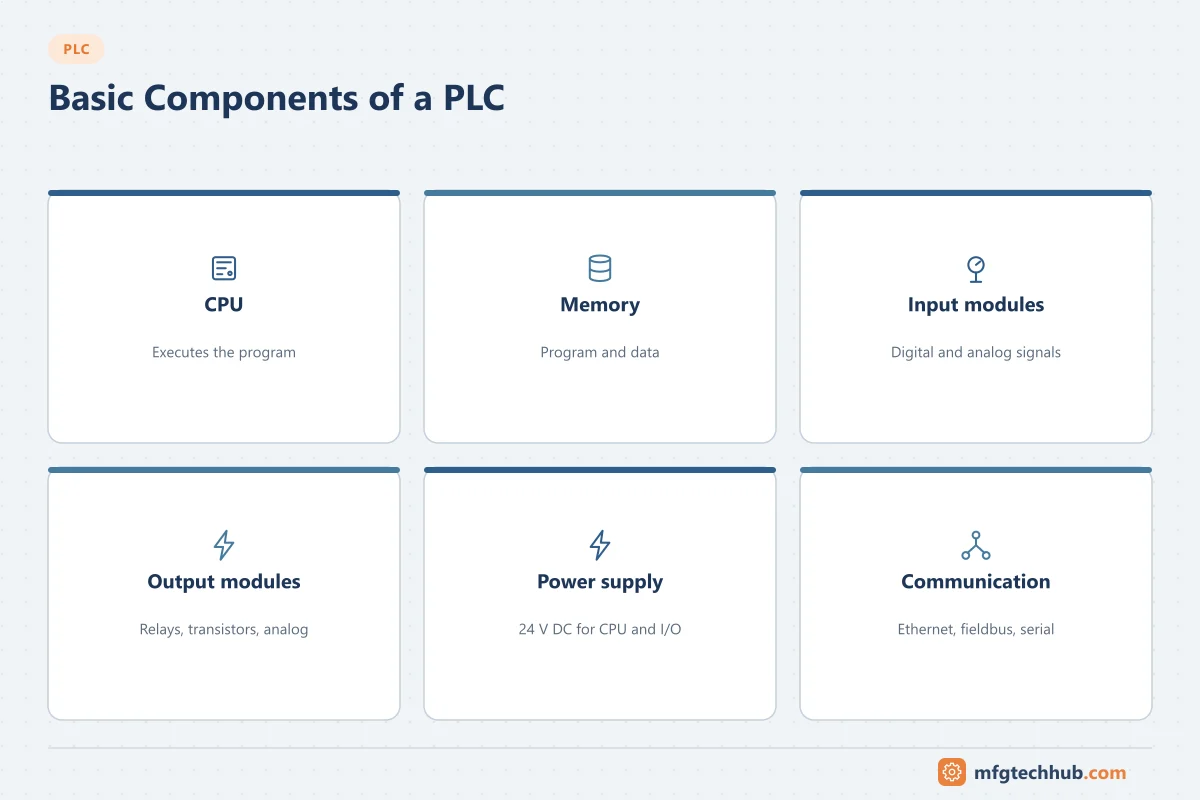
Every PLC system, from a small compact unit to a large modular rack, is built from the same functional parts: a CPU that runs the program, memory, I/O modules that connect field signals, a power supply, and communication interfaces. Choosing and wiring these correctly matters as much as the program: a wrong input type, an undersized power supply or a relay output switching too often will cause faults that no software can fix.
For compact, modular and rack-based form factors, see Types of PLCs.
CPU
The CPU executes the program in the scan cycle (see How PLCs Work), manages communication, and runs diagnostics. Selection points:
- Performance: instruction execution times and the number of tasks it can run.
- Memory size for program and data.
- Built-in interfaces: Ethernet ports (often with PROFINET or EtherNet/IP), serial ports, web server, OPC UA server on many current models.
- Special versions: safety CPUs for safety functions, redundant CPUs for high availability, and CPUs with motion control or technology functions.
Memory
Names differ by vendor, but the functions are similar:
| Memory area | Contents | Notes |
|---|---|---|
| Program / load memory | The downloaded program and configuration | On many PLCs stored on a memory card; survives power loss |
| Work memory | The parts of the program and data used during execution | Fast, volatile |
| Retentive memory | Tags that keep their values through power loss | Counters, totals, recipes, positions |
| Process image | Copies of inputs and outputs used during a scan | See the scan cycle |
Keep a copy of the program outside the PLC. A memory card can fail, and a PLC replacement is much faster with a known-good backup. See the OT Backup and Restore Runbook.
Digital inputs
Digital inputs read on/off signals, most commonly at 24 V DC.
| Concept | Meaning |
|---|---|
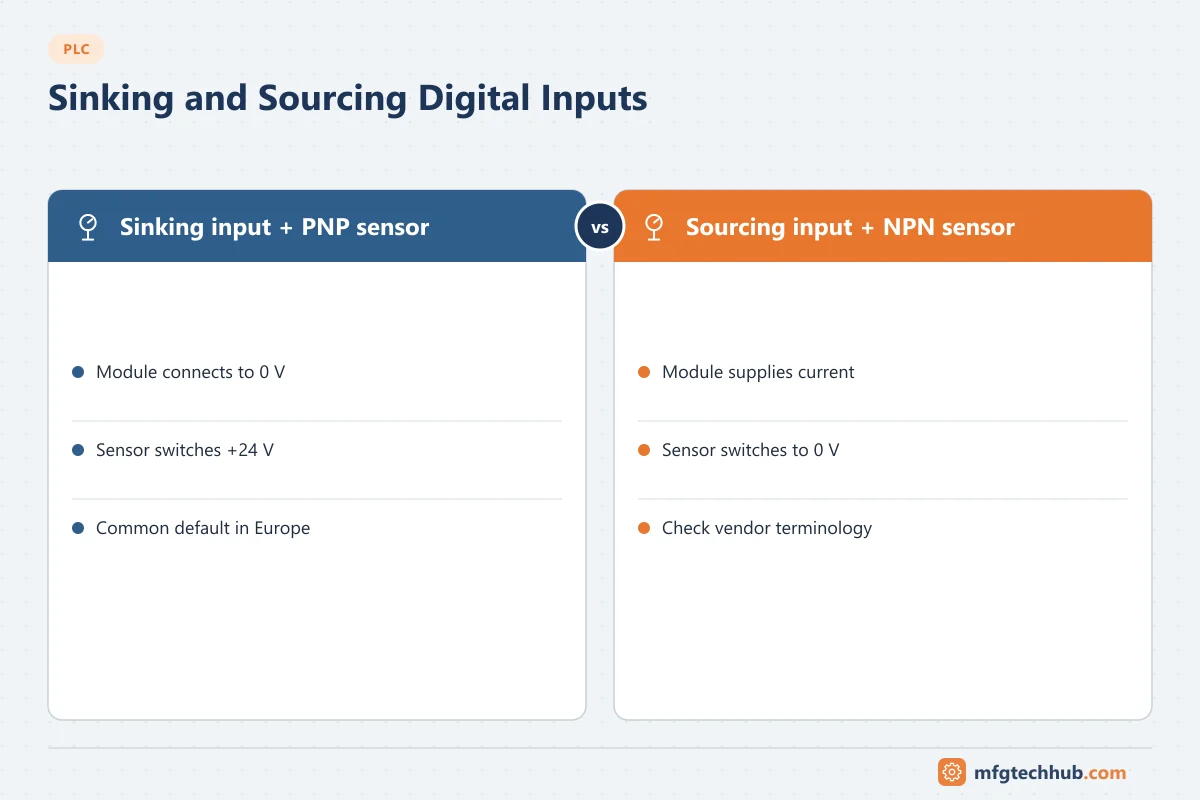
| Sinking input | The input module connects to 0 V; the sensor supplies +24 V when on. Used with PNP (sourcing) sensors |
| Sourcing input | The input module supplies the current; the sensor switches to 0 V. Used with NPN (sinking) sensors |
| Input filter | Delay that suppresses bounce and noise; slows response to short pulses |
| Isolation | Optical isolation between field and backplane, per channel or per group |
| AC inputs | 120/230 V AC inputs exist for older or specific installations |
Terminology for sinking and sourcing varies between vendors and regions, so always check the module wiring diagram. In Europe, PNP sensors with sinking inputs are the common default.
Digital outputs
| Output type | Strengths | Limitations | Typical use |
|---|---|---|---|
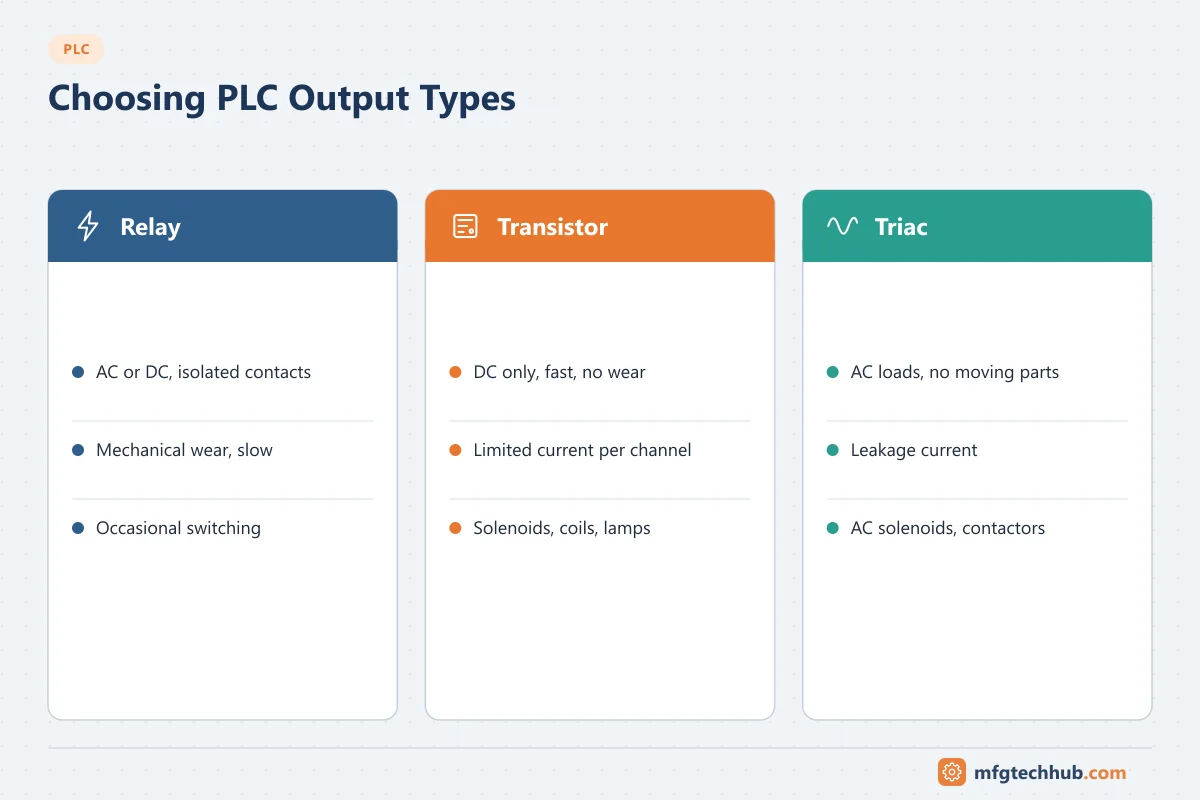
| Relay | Switches AC or DC, isolated contacts, tolerant of different voltages | Mechanical wear, slow, limited switching cycles | Occasional switching, mixed voltages, interposing |
| Transistor (DC) | Fast, no wear, suitable for frequent switching and PWM | DC only; limited current per channel | Solenoids, contactor coils, indicator lamps |
| Triac (AC) | No moving parts for AC loads | Leakage current can keep sensitive loads on | AC solenoids and contactors |
Check the current per channel and per group, and use interposing relays or contactors for larger loads. Inductive loads (coils) need suppression (diodes or RC circuits) to protect outputs and reduce noise.
Analog I/O
| Concept | Meaning |
|---|---|
| Signal ranges | 4–20 mA (most common in process), 0–20 mA, 0–10 V, ±10 V; RTD and thermocouple inputs for temperature |
| Resolution | The number of bits of the converter, often 12 to 16 bits including sign, determining the smallest change the PLC can see |
| Raw values | Vendor-specific integer ranges that the program scales to engineering units |
| Wire break detection | 4–20 mA inputs can detect an open loop because the current falls below the valid range |
| HART | Some analog modules pass HART data for device diagnostics |
See Signal Conditioning, the 4–20 mA Calculator and HART Protocol Explained.
Special modules
| Module | Purpose |
|---|---|
| High-speed counter | Encoder and fast pulse inputs beyond what the scan can see |
| Motion / pulse train | Stepper and servo axes; see Servo and Motion Control |
| Safety I/O | Emergency stops, light curtains, guard switches with safety CPUs |
| Weighing | Load cell inputs |
| IO-Link master | Parameterisation and diagnostics of smart sensors |
| Communication | PROFIBUS, Modbus, serial, CAN, and other networks |
Remote I/O
Instead of wiring every signal back to the CPU cabinet, remote I/O stations sit near the machine or process and connect over PROFINET, EtherNet/IP or another fieldbus. This reduces cabling and makes expansion easier; it also makes network design and diagnostics part of the I/O system. See PROFINET Explained and EtherNet/IP Explained.
Power supply
Most PLC systems use 24 V DC. Separate the supply for the CPU and electronics from the supply for field devices and outputs where possible, so a short circuit in the field does not stop the CPU.
Sizing a 24 V DC supply (illustrative)
| Load | Current |
|---|---|
| CPU and I/O module electronics | 1.2 A |
| 40 sensors × 20 mA | 0.8 A |
| 16 solenoid valves × 0.2 A (simultaneous) | 3.2 A |
| HMI panel | 0.5 A |
| Total | 5.7 A |
Add margin for inrush and future expansion; in this example a 10 A supply would be a reasonable choice. Use real values from device data sheets, and protect circuits with suitable fuses or electronic circuit breakers. For critical systems, use redundant supplies or a DC UPS. See Industrial UPS and Battery Backup.
Communication
| Connection | Typical protocols |
|---|---|
| Programming and HMI | Ethernet with vendor protocols |
| I/O and drives | PROFINET, EtherNet/IP, EtherCAT, PROFIBUS |
| Other controllers and devices | Modbus TCP/RTU, OPC UA |
| SCADA, MES and cloud | OPC UA, MQTT |
See Industrial Communication Protocols.
Troubleshooting with module indicators
| Indicator | Typical meaning | First action |
|---|---|---|
| CPU in STOP or fault LED | Program error, watchdog, hardware fault | Read the diagnostic buffer or fault log in the software |
| Module fault LED | Module failure, configuration mismatch, missing field power | Check module diagnostics and 24 V field supply |
| Input LED on, but program sees off | Wrong address or module configuration | Compare hardware configuration with the program |
| Output LED on, load not working | Blown fuse, wiring fault, load failure | Measure voltage at the terminal and at the load |
| Network LED red or flashing | Communication loss with I/O or devices | Check cables, switch ports and device names/addresses |
See the PLC Troubleshooting Guide.
Frequently asked questions
What are the main components of a PLC?
The CPU, memory, input and output modules, power supply and communication interfaces, plus programming software and usually an HMI.
What is the difference between sinking and sourcing inputs?
It describes the direction of current flow. A sinking input connects to 0 V and needs a sensor that supplies current (PNP); a sourcing input supplies current and needs a sensor that switches to 0 V (NPN). Always check the module and sensor wiring diagrams.
When should I use relay outputs instead of transistor outputs?
Use relay outputs for occasional switching, AC loads or mixed voltages. Use transistor outputs for frequent or fast switching of DC loads, because relays wear out mechanically.
Key takeaways
- Choose the CPU for performance, memory, interfaces and special functions such as safety.
- Match input types to sensor types (PNP/NPN) and output types to loads and switching frequency.
- Size the 24 V supply from real loads with margin, and separate field and CPU supplies.
- Use module LEDs and software diagnostics together for fault finding.
Related tutorials
Before you apply this in a plant: this article is for education. Always check the current edition of the relevant standards, the manufacturer's documentation for your exact product and version, and your site's procedures. Safety-related work needs qualified personnel. See our editorial policy.