
PLC Programming Best Practices: Structure, Naming, Reusable Blocks, Interlocks, Diagnostics and Code Review
On this page
A PLC program is read far more often than it is written: by maintenance technicians at 3 a.m., by the next engineer who has to change it, and by auditors after an incident. Good PLC code is therefore not the cleverest code but the most predictable: structured the same way everywhere, named consistently, built from tested blocks, and clear about why each output does what it does.
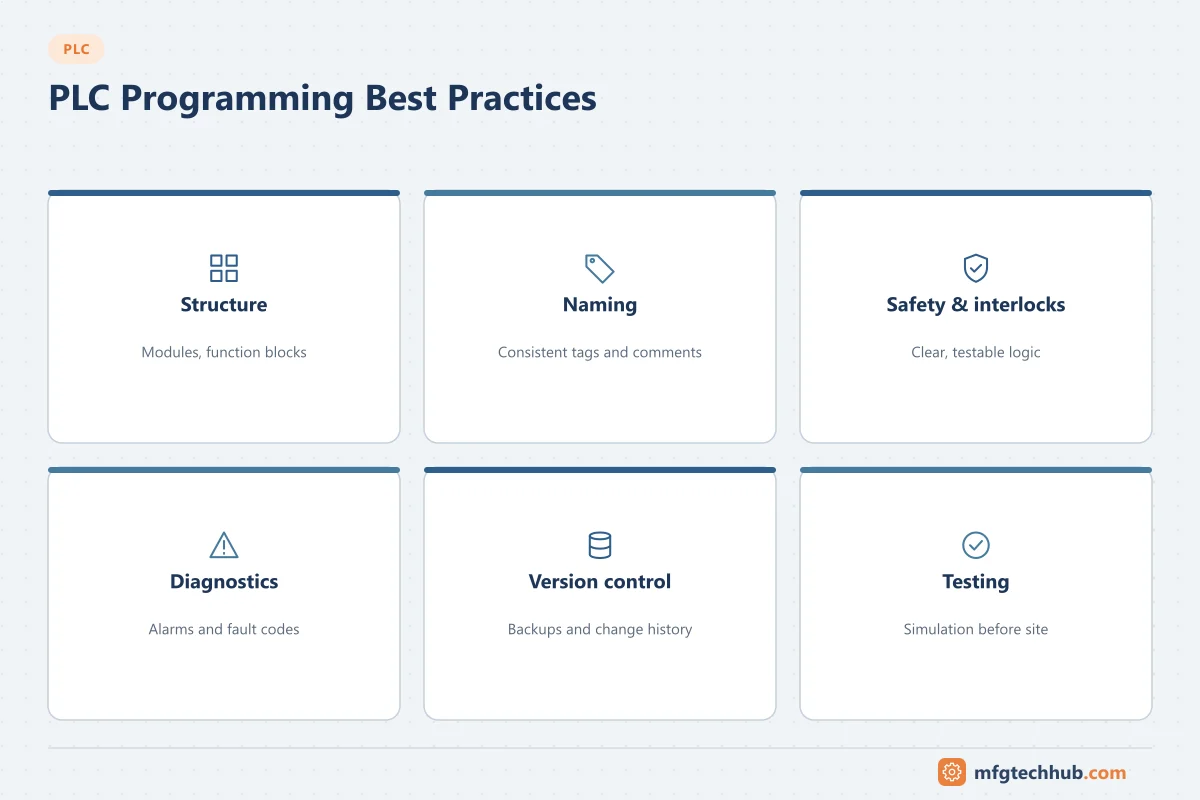
Many companies write these rules into a programming standard; PLCopen also publishes coding guidelines for IEC 61131-3. The practices below are a practical starting point.
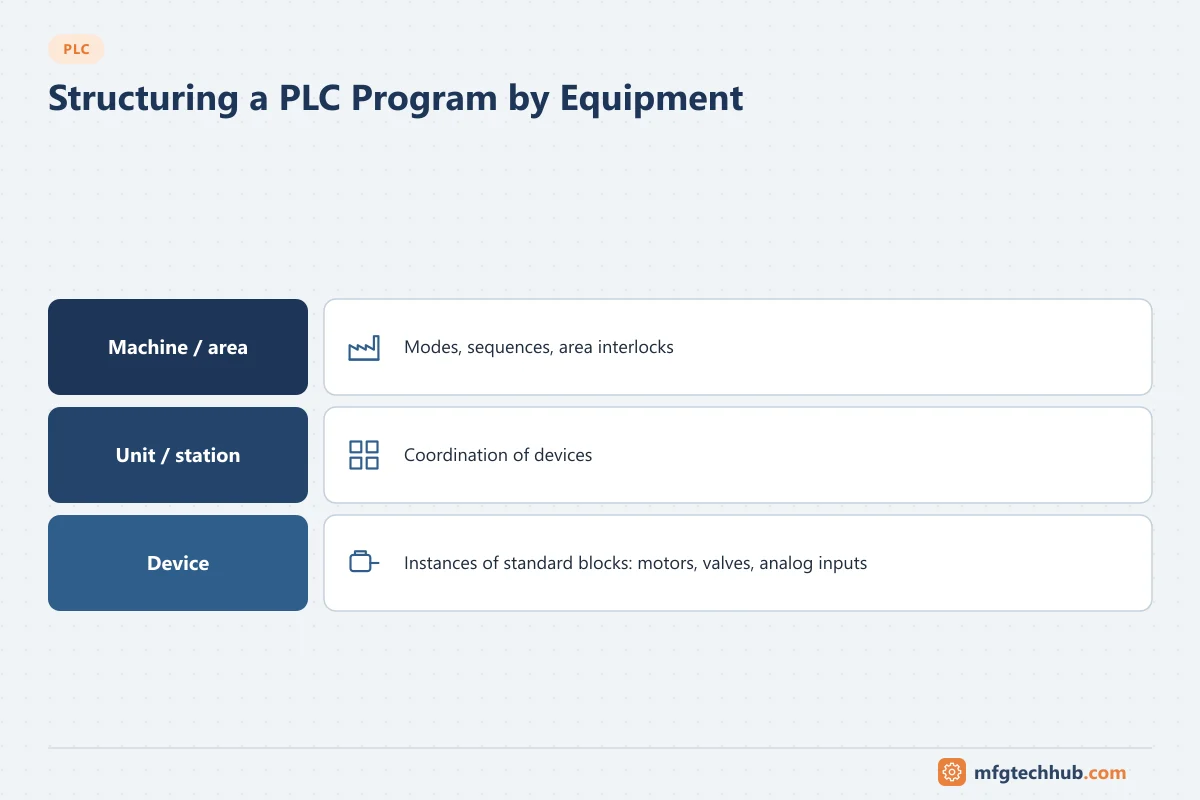
1. Structure the program by equipment
| Level | Example | Contents |
|---|---|---|
| Machine or area | Filler, Mixer_Area |
Mode handling, sequences, area interlocks |
| Unit or station | Infeed_Conveyor |
Coordination of devices |
| Device | M101 (motor), V205 (valve) |
Instance of a standard function block |
This follows the physical plant, so a technician looking for pump P-101 finds it in one place. In batch processes, the same idea is formalised by the ISA-88 physical model (equipment modules and control modules); see ISA-88.
2. Name things consistently
| Element | Convention example |
|---|---|
| Devices | Plant tag numbers from the P&ID or electrical drawings: P101, FV205, LT310 |
| Inputs and outputs | Device plus signal: P101_Running, P101_Start_Cmd, LT310_Raw |
| Interlocks | P101_Intlk_LowLevel |
| Alarms | P101_Alm_Overload |
| Function blocks | Type prefix: FB_Motor, FB_Valve, FB_AnalogIn |
Pick one convention, document it, and use it everywhere. Mixed styles make searching and cross-referencing unreliable.
3. Build from reusable function blocks
A standard motor block used for every motor makes behaviour, HMI faceplates and diagnostics consistent. An illustrative interface:
FUNCTION_BLOCK FB_Motor
VAR_INPUT
    Auto_Start    : BOOL;   (* request from sequence *)
    Man_Start     : BOOL;   (* operator start in manual *)
    Man_Stop      : BOOL;
    Auto_Mode     : BOOL;
    Permissive    : BOOL;   (* conditions required to start *)
    Interlock_OK  : BOOL;   (* conditions that force a stop *)
    Running_FB    : BOOL;   (* running feedback from contactor *)
    Overload_OK   : BOOL;
END_VAR
VAR_OUTPUT
    Run_Cmd       : BOOL;
    Fault         : BOOL;
    Fault_NoFB    : BOOL;   (* commanded but no feedback *)
END_VAR
VAR
    FB_Timer      : TON;    (* feedback supervision *)
END_VAR
Inside, the block handles modes, start/stop latching, interlocks, feedback supervision (a start command with no running feedback after a set time raises a fault) and reset. Test the block thoroughly once, then use instances everywhere.
4. Separate permissives from interlocks
| Type | Meaning | Example |
|---|---|---|
| Permissive | Must be true to start | Suction valve open before the pump starts |
| Interlock | Forces a stop when false | Low suction level stops the pump |
Keep interlocks in the PLC (never only in the HMI or SCADA), make them visible on the HMI faceplate, and implement safety functions in safety-rated systems rather than standard logic. See Functional Safety.
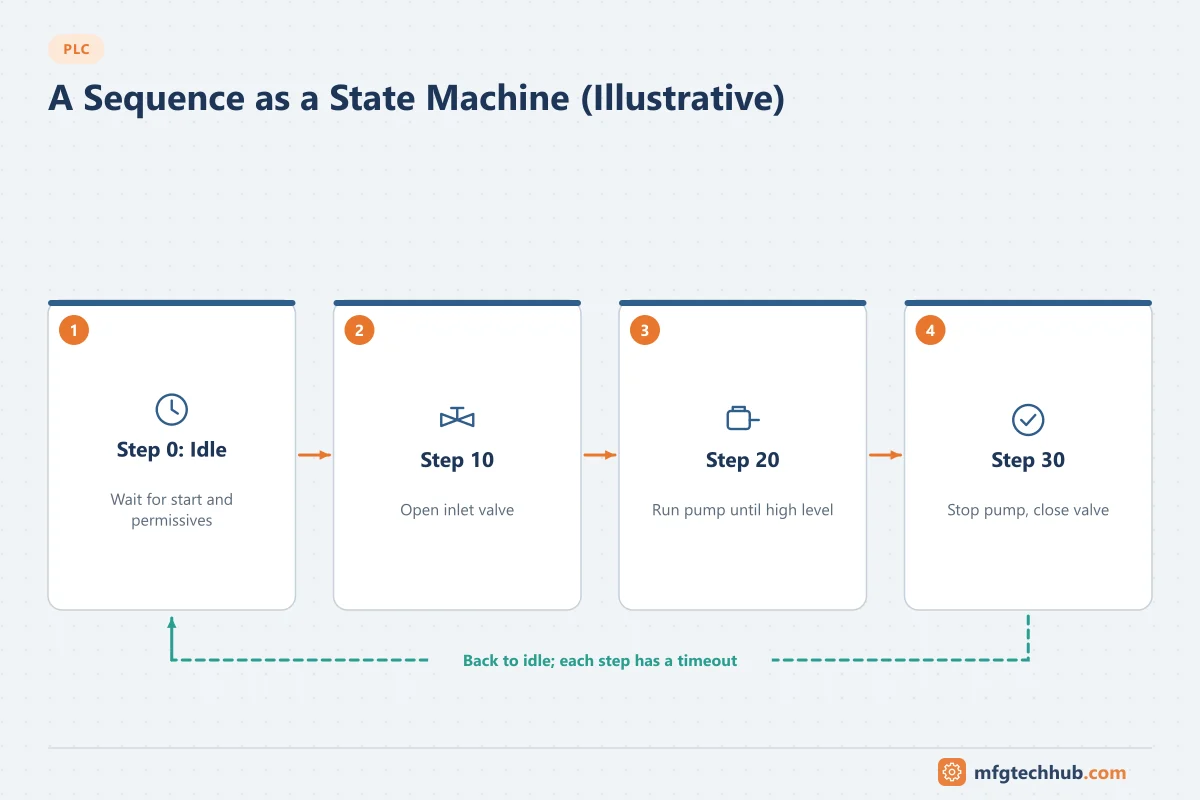
5. Write sequences as state machines
Sequences written with scattered latches become impossible to debug. Use an explicit step number or SFC:
CASE Step OF
    0:  (* Idle *)
        IF Start_Req AND All_Permissives THEN Step := 10; END_IF;
    10: (* Open inlet valve *)
        V101.Auto_Open := TRUE;
        IF V101.Opened THEN Step := 20; END_IF;
    20: (* Fill until high level *)
        P101.Auto_Start := TRUE;
        IF LSH THEN Step := 30; END_IF;
    30: (* Stop and close *)
        P101.Auto_Start := FALSE; V101.Auto_Open := FALSE;
        IF V101.Closed THEN Step := 0; END_IF;
END_CASE;
Add a step timeout for each step, a defined response to faults (hold or abort), and show the current step on the HMI. See PLC Programming Languages for SFC.
6. Alarms and diagnostics
- Every device block produces specific faults (no feedback, overload, discrepancy), not just “fault”.
- Alarms have a clear cause and operator response; avoid alarms nobody acts on. See SCADA Alarm Management.
- Show interlock and permissive status so operators know why something does not start.
- Use the PLC’s system diagnostics (module and network faults) in the HMI.
7. Handle analog values carefully
- Scale in one place, in a standard analog input block.
- Detect out-of-range and wire break (for example 4–20 mA below 3.6 mA or above 21 mA per NAMUR NE 43) and set a quality flag.
- Apply alarm deadbands and delays to avoid chattering.
- Put PID loops in periodic tasks; see How PLCs Work and PID Control.
8. Design for failure and restart
- Define output states for CPU stop, communication loss and power return.
- Machines must not restart automatically after a power failure unless designed and assessed for it.
- Use normally closed wiring for stop and overload signals.
- Supervise communication with remote I/O, drives and other PLCs, and stop safely on loss.
9. Comment the why, not the what
(* Start pump *) above a start rung adds nothing. (* Pump must stop on low suction level to prevent dry running; see HAZOP item 12 *) explains a design decision. Comment every block interface, every interlock and every unusual piece of logic.
Common mistakes
| Mistake | Consequence | Better practice |
|---|---|---|
| Writing the same output in several places | Last write wins; confusing behaviour | One place per output |
| Copy-pasted logic per device | Inconsistent fixes, hidden bugs | Standard function blocks |
| Magic numbers in logic | Nobody knows what 1375 means | Named constants and parameters |
| Interlocks only in the HMI | Bypassed by other command sources | Interlocks in the PLC |
| Forces left in place | Interlocks silently defeated | Remove forces; alarm on active forces |
| No timeouts in sequences | Sequence hangs without explanation | Step timeouts and fault steps |
| Unused and dead code left in | Confusion during troubleshooting | Remove or clearly disable it |
Code review checklist
- Program structured by equipment; naming convention followed
- Standard blocks used for motors, valves and analog inputs
- Each output written in one place
- Permissives and interlocks implemented in the PLC and shown on the HMI
- Safety functions in safety-rated systems
- Sequences with step numbers, timeouts and fault handling
- Analog inputs with range and wire-break detection
- Fail-safe behaviour on stop, communication loss and power return defined and tested
- No active forces; no debug code left
- Comments explain design decisions
- Program compared with the previous version; change recorded
Frequently asked questions
What makes a good PLC program?
Consistent structure and naming, reusable tested function blocks, clear interlocks and sequences, useful diagnostics, defined behaviour on failure, and comments that explain the reasons behind the logic.
Why should interlocks be in the PLC rather than the HMI?
Because commands can come from several places (HMI, SCADA, local panels, other PLCs). Only interlocks in the controller protect the equipment regardless of where the command comes from or whether the HMI is running.
How should PLC sequences be programmed?
As explicit state machines, with a step number or SFC, step timeouts, defined fault responses and the current step shown to the operator.
Key takeaways
- Structure programs by equipment and name everything consistently.
- Build and test standard function blocks once, then reuse them.
- Keep interlocks in the PLC, write sequences as state machines and design for failure.
- Review code against a checklist and record every change.
Related tutorials
Before you apply this in a plant: this article is for education. Always check the current edition of the relevant standards, the manufacturer's documentation for your exact product and version, and your site's procedures. Safety-related work needs qualified personnel. See our editorial policy.