
MES Testing, Validation and Deployment: Test Levels, Cutover, Go-Live Criteria and Hypercare
On this page
An MES goes live on a running plant. If it fails, production stops, material cannot be booked, or records are incomplete. Testing and deployment are therefore planned as carefully as the design, with realistic tests, rehearsed cutovers, clear go/no-go criteria and strong support during the first weeks.
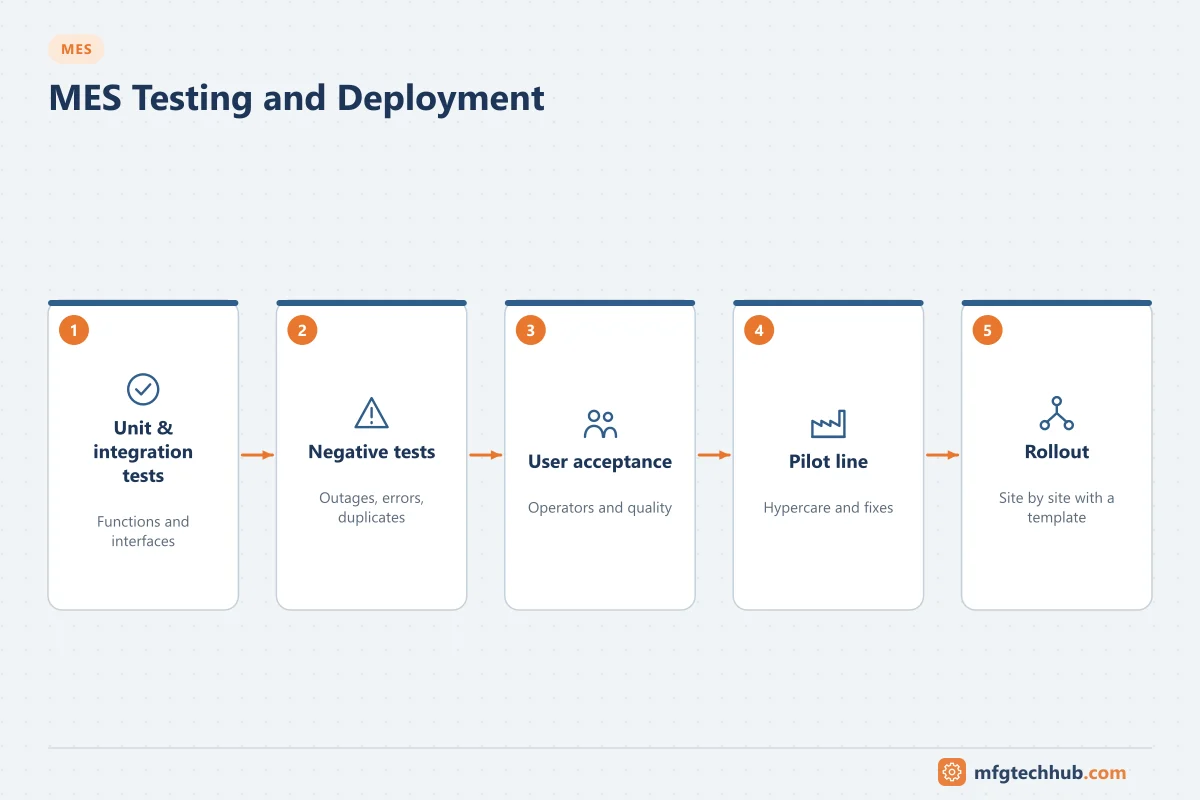
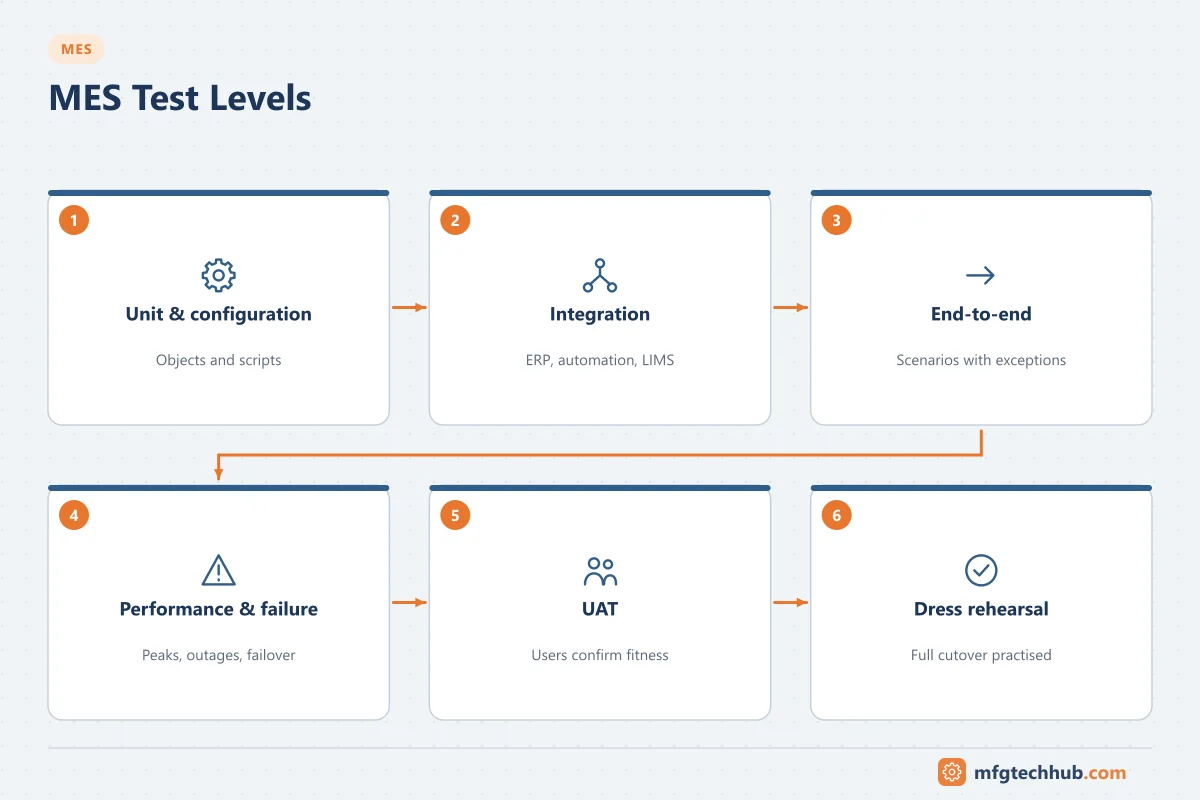
Test levels
| Test | Purpose | Who |
|---|---|---|
| Configuration and unit tests | Each configured object, script and extension works as specified | Implementation team |
| Integration tests | ERP, automation, LIMS, WMS interfaces exchange correct data, including errors | Implementation and IT/OT teams |
| End-to-end scenario tests | Complete orders from ERP release to confirmation, with exceptions | Key users |
| Performance and volume tests | Peak loads: shift changes, many lines, large genealogies | Implementation team |
| Failure and recovery tests | Network loss, server failover, ERP downtime, store-and-forward | IT/OT |
| User acceptance test (UAT) | Users confirm the system supports their work | Process owners and key users |
| Dress rehearsal | Full cutover practised, including data migration | Whole project team |
Test exceptions, not only the happy path: wrong material scanned, expired lot, machine fault mid-order, interface message rejected, order changed in ERP after release. See MES Integration with ERP, SCADA and PLC.
Validation in regulated industries
In GMP environments the MES is a validated computerised system:
- A risk-based approach following GAMP 5 and, in the US, the FDA’s Computer Software Assurance guidance focuses effort on functions that affect product quality, patient safety and data integrity.
- Vendor documentation and testing can be leveraged after supplier assessment.
- Requirements, risk assessment, test evidence and traceability are documented.
- Electronic records and signatures meet 21 CFR Part 11 and EU GMP Annex 11.
See Computerised System Validation and Data Integrity (ALCOA+).
Data migration and preparation
- Master data: materials, bills of materials, routings, recipes, specifications, equipment, users and qualifications.
- Open work: orders in progress, inventory at line side, open deviations.
- History: decide whether to migrate historical records or keep the old system available read-only for the retention period.
Load and check master data in the test environment long before go-live; master data errors are one of the most common causes of go-live problems.
Cutover planning
| Item | Decision |
|---|---|
| Timing | Low-volume period, planned shutdown or weekend |
| Orders in progress | Finish in the old way, or transfer to MES at a defined step |
| Inventory | Stock count and reconciliation at cutover |
| Parallel records | Paper as backup for a defined period, or immediate switch |
| Fallback | How to return to the old process if the go-live fails, and until when that is possible |
| Communication | Who is informed, when, and how issues are reported |
Write the cutover as a step-by-step runbook with owners and times, and rehearse it.
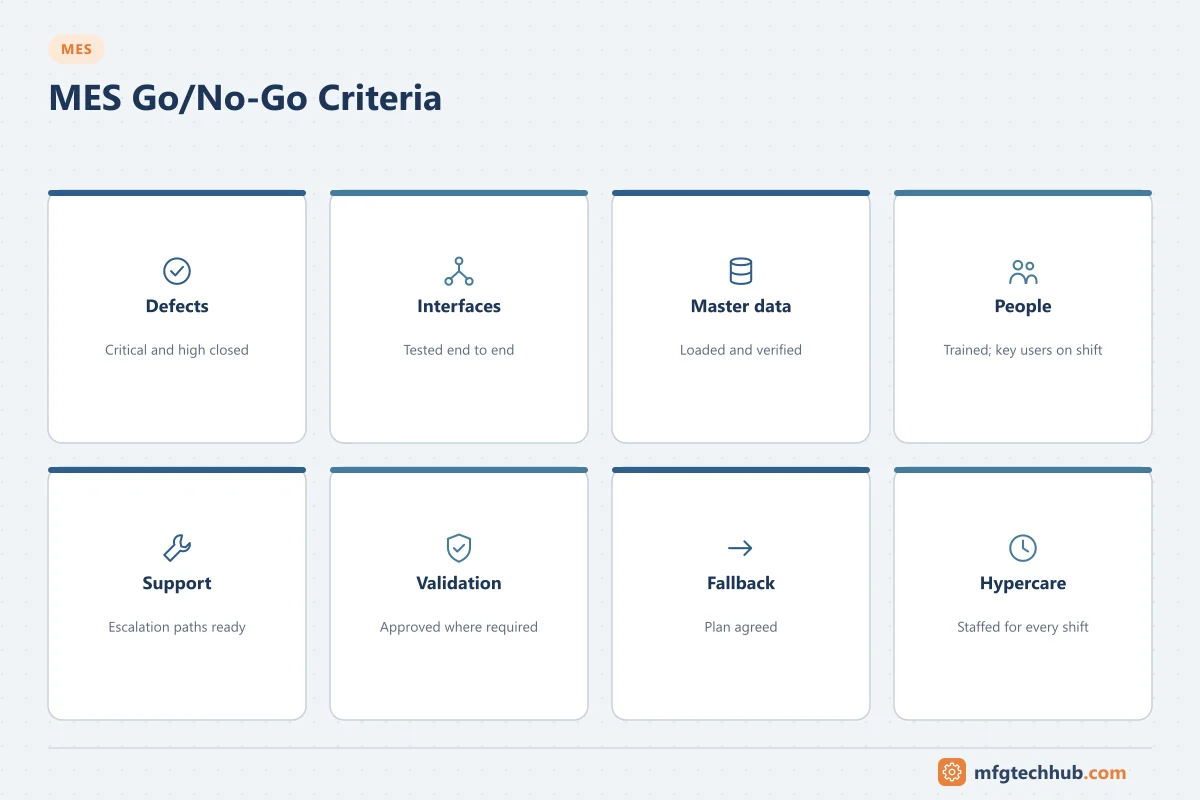
Go/no-go criteria
Examples of criteria agreed before go-live:
- All critical and high-severity defects closed or with approved workarounds.
- Interfaces tested end to end with production-like data.
- Master data loaded and verified.
- Users trained, key users available on every shift.
- Support organisation and escalation paths ready.
- Validation deliverables approved (regulated plants).
- Fallback plan agreed.
Hypercare
The first weeks after go-live need extra support:
- Key users and implementation staff on every shift.
- A daily issue review with priorities and fixes.
- Monitoring of interfaces, error queues and performance.
- Tracking of adoption: transactions recorded late or on paper. See Training and Change Management.
Rollout across lines and sites
- Stabilise the pilot and update the template before the next wave.
- Keep a rollout kit: configuration templates, master data templates, test scripts, training materials and cutover runbook.
- Use experienced key users from earlier sites to support later ones.
Common reasons for difficult go-lives
| Cause | Prevention |
|---|---|
| Master data incomplete or wrong | Early loading, validation checks, data owners |
| Interfaces tested only with clean data | Negative and volume testing |
| Users trained too early or too generally | Role-based training close to go-live, practice environment |
| No fallback plan | Agreed fallback steps and decision points |
| Too little support after go-live | Hypercare on every shift |
Frequently asked questions
What tests are needed before an MES go-live?
Configuration and unit tests, integration tests, end-to-end scenarios with exceptions, performance and failure tests, user acceptance tests and a cutover dress rehearsal.
How is an MES validated in pharmaceutical manufacturing?
With a risk-based approach (GAMP 5 and the FDA’s Computer Software Assurance guidance), supplier assessment, documented requirements and tests, and controls for electronic records and signatures under 21 CFR Part 11 and EU Annex 11.
What is hypercare?
A period of intensified support after go-live, with experts on every shift, daily issue reviews and close monitoring until the system and users are stable.
Key takeaways
- Test in stages and test exceptions, failures and volumes, not only normal flows.
- In regulated plants, validate with a risk-based approach.
- Prepare master data early, rehearse the cutover and agree go/no-go criteria.
- Support users intensively after go-live and improve the template before each rollout wave.
Related tutorials
Before you apply this in a plant: this article is for education. Always check the current edition of the relevant standards, the manufacturer's documentation for your exact product and version, and your site's procedures. Safety-related work needs qualified personnel. See our editorial policy.