
MES Implementation Challenges: Cost, Complexity, Upgrades and How to Manage Them
On this page
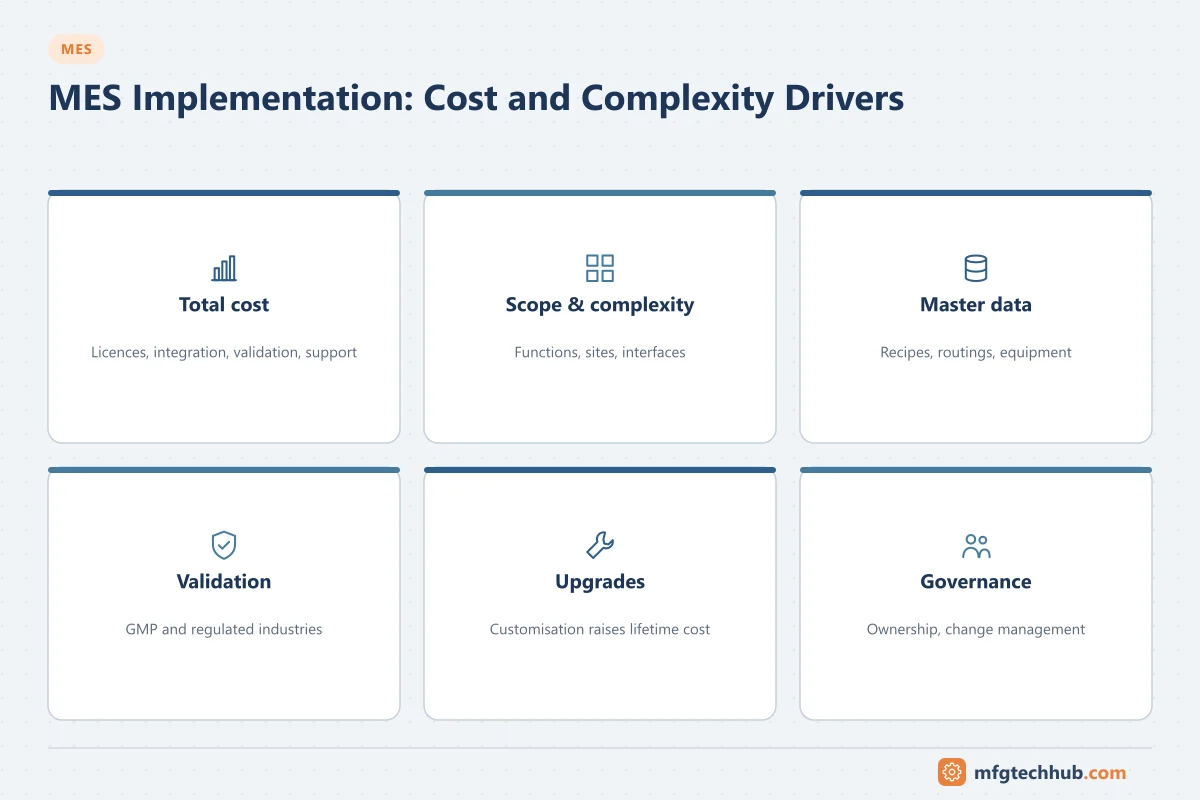
Most MES projects deliver value, but many take longer and cost more than planned. The reasons are well known: the software is only part of the effort; integration, master data, process redesign, validation and long-term support make up the rest. This article covers the main challenges across the MES lifecycle, from budgeting to upgrades, and practical ways to manage each.
Related challenges have their own articles: integration, data management and security, and training and change management.
1. Understanding the total cost
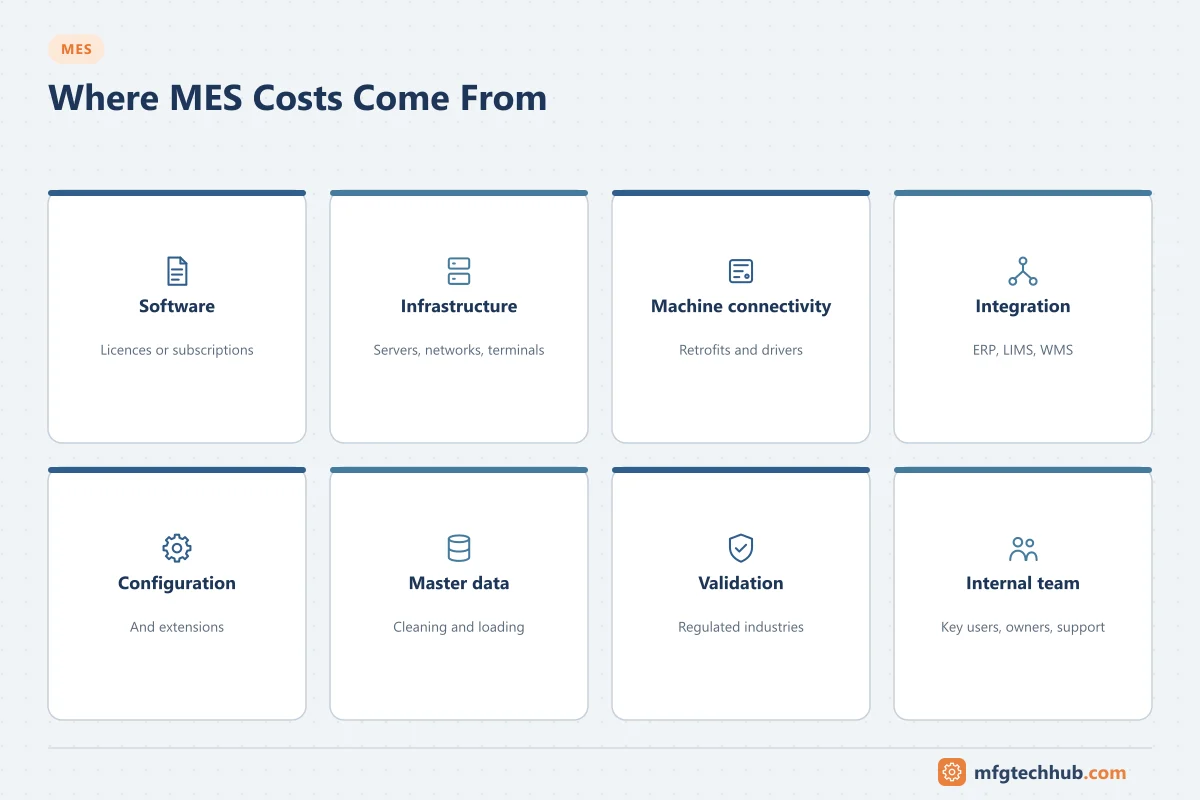
Software licences or subscriptions are often not the largest cost. A realistic budget includes:
| Cost element | What it covers | Often underestimated because… |
|---|---|---|
| Software | Licences or subscriptions, per site/user/module | Pricing models differ; growth adds users and modules |
| Infrastructure | Servers or cloud services, networks, terminals, scanners, printers, label systems | Line-side hardware multiplies across stations |
| Machine connectivity | PLC changes, gateways, OPC UA servers, retrofit sensors | Older machines need custom work |
| Integration | ERP, quality, warehouse, maintenance, PLM interfaces | Every interface needs design, testing and support |
| Configuration and development | Workflows, screens, reports, custom functions | Scope grows as users see possibilities |
| Master data | Routings, BOMs, recipes, equipment hierarchy, specifications | Data quality problems surface late |
| Validation (regulated industries) | Risk assessment, test scripts, documentation | Multiplies with every change |
| Internal team | Process owners, key users, IT/OT staff | Their time is real cost even if not budgeted |
| Training and change management | Materials, sessions, floor support at go-live | Often cut when budgets are tight |
| Operation and support | Support contracts, upgrades, infrastructure, in-house admins | Continues for the system’s life |
Tip: estimate a 5–10 year total cost of ownership, not only the project cost.
2. Scope and complexity
Typical problems:
- Trying to implement all modules at all lines at once.
- Customisation to replicate every existing practice, making upgrades expensive.
- Different processes across lines or sites that were never standardised.
- Unclear decisions about what belongs in MES vs ERP vs automation (for example, where scheduling or quality specifications live).
What helps:
- Define objectives and KPIs first, then select functions that address them. See MES Benefits and How to Measure Them.
- Pilot one line or area and scale with a template.
- Prefer configuration over custom code; challenge each customisation request with “which KPI does this improve?”
- Use ISA-95 to assign functions to systems clearly. See ISA-95.
3. Master data readiness
MES executes what the master data says. Common gaps:
- Routings and operations that do not reflect how products are actually made.
- BOMs missing components, alternates or units of measure.
- Equipment hierarchies inconsistent between ERP, MES and automation.
- Quality specifications held in documents rather than structured data.
What helps: a master data readiness assessment before design, clear data ownership, and data cleansing as a planned workstream.
4. Validation in regulated industries
In pharmaceuticals, medical devices and some food sectors, MES is a GxP computerised system. Validation effort can be significant.
What helps:
- A risk-based approach (for example following GAMP 5 and computer software assurance principles): focus testing on functions that affect product quality and data integrity.
- Use supplier documentation and testing where the supplier’s quality system is assessed as adequate.
- Build reusable, validated building blocks (standard recipe phases, standard quality checks).
- Plan for ongoing change control, not only the initial validation.
5. Maintenance and upgrades
An MES is a long-lived system. Challenges after go-live:
| Challenge | Why it happens | Mitigation |
|---|---|---|
| Upgrades are large projects | Heavy customisation, many interfaces, validation | Minimise custom code; automated regression tests; keep close to standard product |
| Outdated infrastructure | Operating systems, databases and browsers reach end of support | Lifecycle plan aligned with vendor support matrices |
| Performance degradation | Data volume grows every year | Archiving and retention policies; database maintenance |
| Knowledge loss | Implementation partners leave; internal experts move | Documentation, runbooks, internal centre of excellence |
| Interface breakage | ERP or automation upgrades change interfaces | Interface inventory with owners; integration tests for every upgrade |
| Downtime for maintenance | Production runs 24/7 | Redundant or high-availability architecture; planned maintenance windows; offline procedures |
Recommended practices:
- Keep a system inventory: versions of MES, database, OS, interfaces and customisations.
- Maintain test environments that mirror production (including interfaces or simulators).
- Build automated regression tests for critical workflows.
- Plan upgrades regularly (for example every one to two major releases) instead of skipping many versions.
- Document offline/contingency procedures so production can continue if MES is unavailable.
- Monitor performance and data growth and archive data according to retention rules.
6. Organisation and governance
- A steering committee with production, quality, IT/OT and finance.
- A design authority that owns the template and approves variations.
- Process owners accountable for how MES is used in their area.
- Key users at each site for first-line support and continuous improvement.
Risk checklist
- Objectives and baseline KPIs defined
- Total cost of ownership estimated over 5–10 years
- Scope phased with a pilot
- Customisation policy agreed
- Master data readiness assessed
- Interface inventory complete with owners
- Validation strategy agreed (if regulated)
- Test environments and regression tests planned
- Support model and upgrade policy defined
- Contingency procedures for MES downtime documented
Frequently asked questions
Why are MES projects so expensive?
Because the software is only part of the work. Machine connectivity, integration with ERP and other systems, master data preparation, process redesign, validation, training and long-term support usually cost more than licences.
How can MES upgrade costs be reduced?
Stay close to standard product functionality, keep an inventory of customisations and interfaces, maintain realistic test environments with automated regression tests, and upgrade regularly rather than skipping many versions.
Key takeaways
- Budget for total cost of ownership, including integration, data, validation, people and support.
- Control scope with clear objectives, a pilot and a customisation policy.
- Plan for the long term: test environments, regression testing, regular upgrades and contingency procedures.
Related tutorials
Before you apply this in a plant: this article is for education. Always check the current edition of the relevant standards, the manufacturer's documentation for your exact product and version, and your site's procedures. Safety-related work needs qualified personnel. See our editorial policy.