
DCS Implementation and Migration Challenges: Risks, Causes and How to Manage Them
On this page
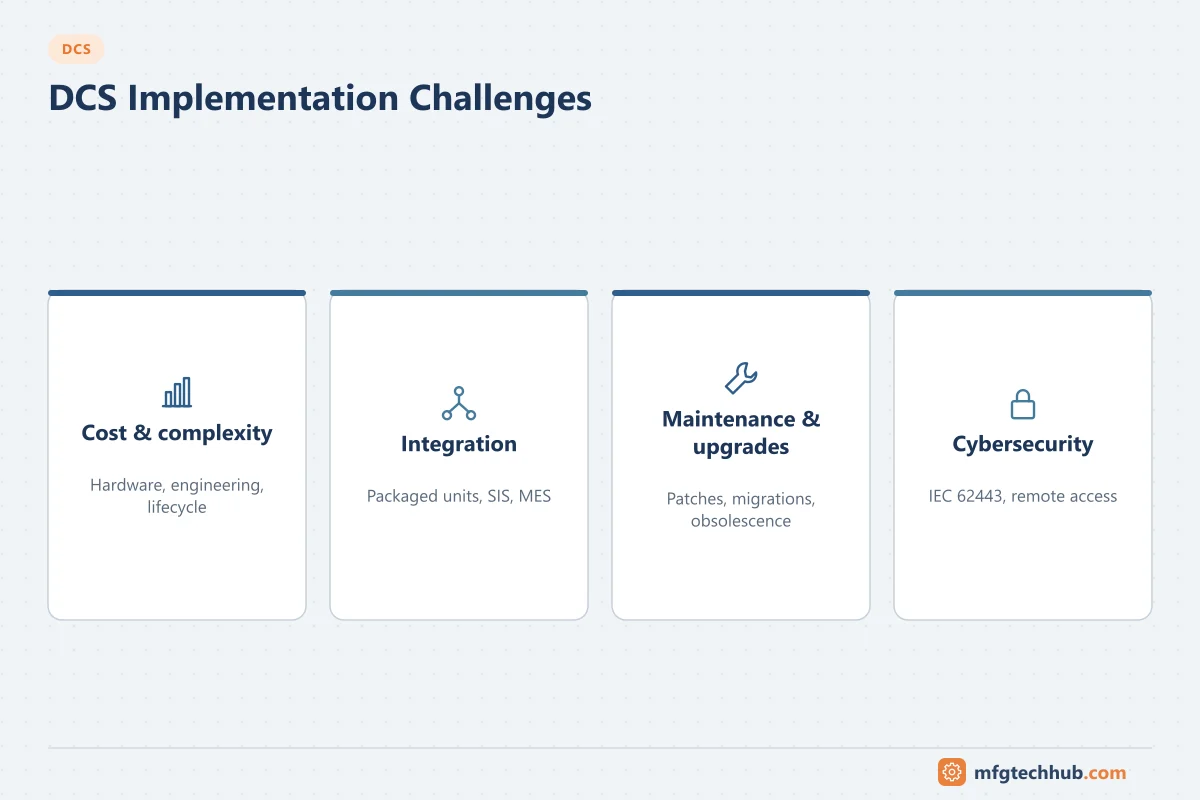
DCS projects rarely fail because the technology does not work. They run late or go wrong because requirements were unclear, interfaces were discovered too late, legacy logic was converted without being understood, or the cutover was planned around hope rather than tested procedures. This page lists the common challenges in new DCS projects and migrations of existing systems, with their causes and practical mitigations.
For the project phases themselves, see DCS Project Process.
Risk register: new DCS projects
| Challenge | Typical cause | Mitigation |
|---|---|---|
| Unclear requirements | Functional specification written late or copied from another project | Control philosophy, alarm philosophy and HMI style guide agreed in FEED; typicals approved before bulk configuration |
| Late I/O changes | Process design still changing during configuration | Spare I/O and controller capacity; configurable I/O; I/O list freeze dates with change control |
| Package unit integration | Compressors, boilers, analysers supplied with their own PLCs and different conventions | Package integration specification early (signals, protocols, displays, alarms); integrated FAT; MTP where suppliers support it |
| SIS interface | Unclear split of functions between DCS and SIS | Cause-and-effect matrices; defined hardwired and communication interfaces; IEC 61511 independence |
| Bulk configuration errors | Manual typing of hundreds or thousands of tags | Class-based libraries, bulk generation from the instrument database, automated checks |
| Insufficient testing | FAT shortened to recover schedule | Test plans derived from the specification; simulation of process where valuable; IEC 62381 FAT/SAT structure |
| Operator readiness | Training only in the last weeks | Operator involvement in display reviews; training on a simulator before start-up |
| Cybersecurity added late | Security treated as an IT task after design | IEC 62443 risk assessment and zone design in FEED; security requirements in the purchase specification |
Risk register: migrating an existing DCS
| Challenge | Typical cause | Mitigation |
|---|---|---|
| Undocumented legacy logic | Decades of changes without updated documents | Configuration audit and functional review before conversion; decide per strategy what to keep, improve or remove |
| Automatic conversion copies old problems | Conversion tools translate blocks one-to-one | Use conversion tools for bulk, but review each strategy against the current process and alarm philosophy |
| Behaviour differences | Different PID algorithms, execution order, initialisation, failure handling | Compare algorithms (ideal, parallel, series forms); test critical loops on simulation; retune after cutover |
| Cutover risk | Signals moved while the plant runs, or too little shutdown time | Choose the cutover strategy per area (see below); rehearse; have fallback steps |
| Field wiring and I/O | Old termination panels, unknown cable condition | Survey of cabinets and wiring; I/O retention adapters where the vendor offers them; loop checks after cutover |
| Loss of history and records | Old historian not migrated | Plan historian migration and archiving; see Historian Migration Runbook |
| Operator acceptance | New displays look and behave differently | Involve operators early, keep critical workflows familiar, train on the new system |
| Interfaces to other systems | Hidden links (OPC, serial, custom files) to MES, LIMS, APC | Interface inventory from network captures and documentation |
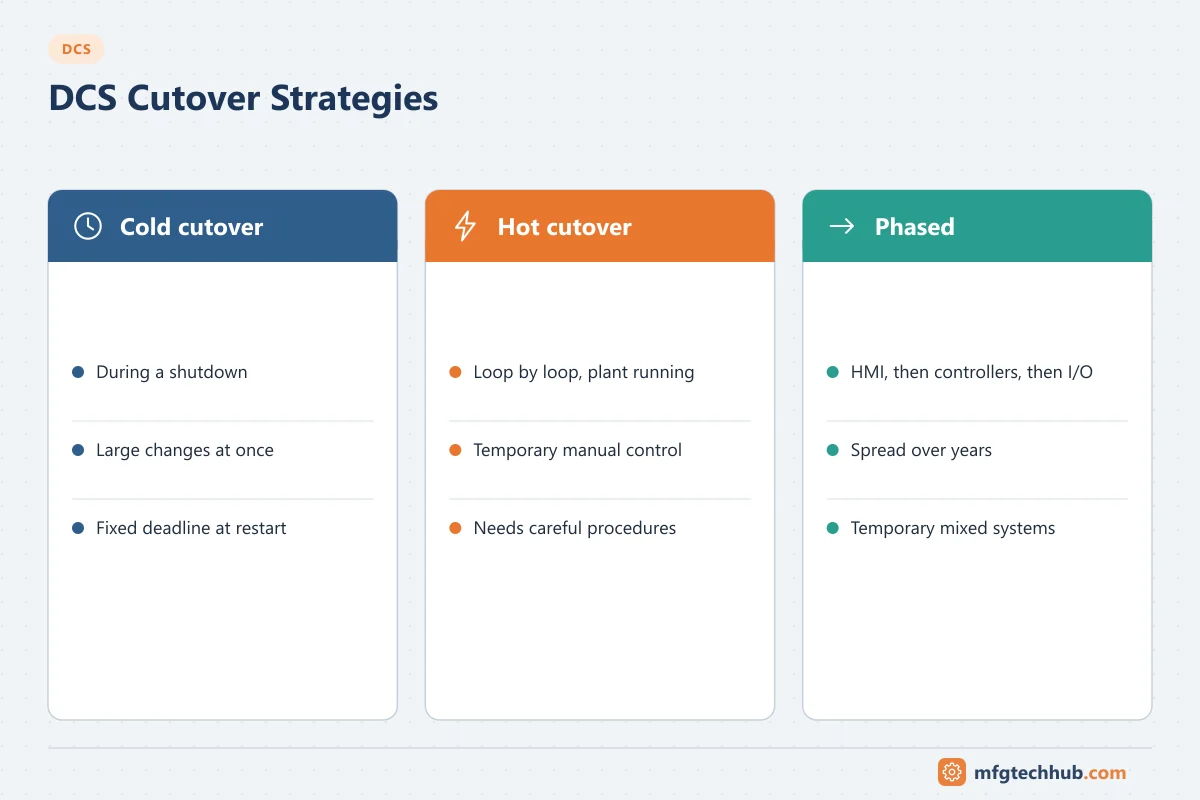
Cutover strategies
| Strategy | How it works | Suits | Risks |
|---|---|---|---|
| Cold cutover | Change over during a planned shutdown or turnaround | Areas that can be shut down; large changes | Fixed deadline; everything must work at restart |
| Hot cutover | Move loops one by one while the plant runs, often with temporary manual control | Plants that cannot stop | Process upsets; needs careful procedure and operator support |
| Phased migration | Replace HMI and servers first, then controllers, then I/O over several years | Large sites; limited budgets | Temporary mixed systems; interfaces between old and new |
Many projects combine them: HMI and servers during operation, controllers during a turnaround, I/O kept in place with adapters. See Traditional vs Modern DCS Architectures.
Lifecycle challenges after start-up
| Challenge | Mitigation |
|---|---|
| Obsolescence of controllers, I/O and stations | Installed-base review every few years; vendor lifecycle notices; strategic spares; migration roadmap |
| Windows and software lifecycle | Planned upgrade cycles aligned with vendor releases; see Operator and Engineering Stations |
| Skills | Retirements, few people who know the legacy system |
| Configuration drift | Undocumented online changes |
| Security maintenance | Patches, antivirus, accounts and remote access not maintained |
| Alarm and display degradation | Alarms added without rationalisation |
Cost considerations
The purchase price of hardware and licences is usually a minority of the total cost. Engineering, testing, installation, training, cutover, and years of support, upgrades and security maintenance make up most of it. When comparing options, compare lifecycle cost over the expected system life, and include the cost of downtime and risk in migration options. Figures vary so widely by scope that general percentages are not meaningful; build the estimate from your I/O count, number of strategies and displays, and the cutover approach.
Migration readiness checklist
- Installed-base audit: hardware, software versions, support status, spares
- Configuration export and review of every control strategy and sequence
- Interface inventory (OPC, serial links, file transfers, MES, LIMS, APC, SIS)
- I/O and wiring survey, including cabinet space and power
- Current P&IDs, cause-and-effect matrices and control narratives
- Alarm philosophy and HMI style guide for the new system
- Cutover strategy per area, with shutdown windows and fallback steps
- Test plan: FAT with simulation for critical areas, SAT and loop checks
- Historian and record migration plan
- Operator and maintenance training plan
- Cybersecurity design for the new system (zones, remote access, backups)
- Management of change and approval for the migration
Frequently asked questions
What is the biggest risk in a DCS migration?
Converting legacy logic without understanding it. Old systems contain undocumented changes and workarounds; converting them blindly carries old problems into the new system, while removing them without review can remove protections that the plant relies on.
Can a DCS be migrated without shutting down the plant?
Parts of it can. HMI and servers are often replaced while the plant runs, and hot cutover of loops is possible with careful procedures. Controller and I/O changes are usually easier and safer during a planned shutdown.
How long does a DCS last?
Controllers and I/O are often used for decades, but stations and servers follow computer and operating system lifecycles of several years. Plan for regular software and hardware refreshes and a long-term migration roadmap.
Key takeaways
- Most DCS project problems come from requirements, interfaces, testing and cutover, not the technology.
- In migrations, understand legacy logic before converting it.
- Choose cold, hot or phased cutover per area and rehearse it.
- Manage obsolescence, skills, security and alarms throughout the lifecycle.
Related tutorials
Before you apply this in a plant: this article is for education. Always check the current edition of the relevant standards, the manufacturer's documentation for your exact product and version, and your site's procedures. Safety-related work needs qualified personnel. See our editorial policy.