
Historian Migration Runbook: Moving Tags, Archives and Interfaces Without Losing Data
On this page
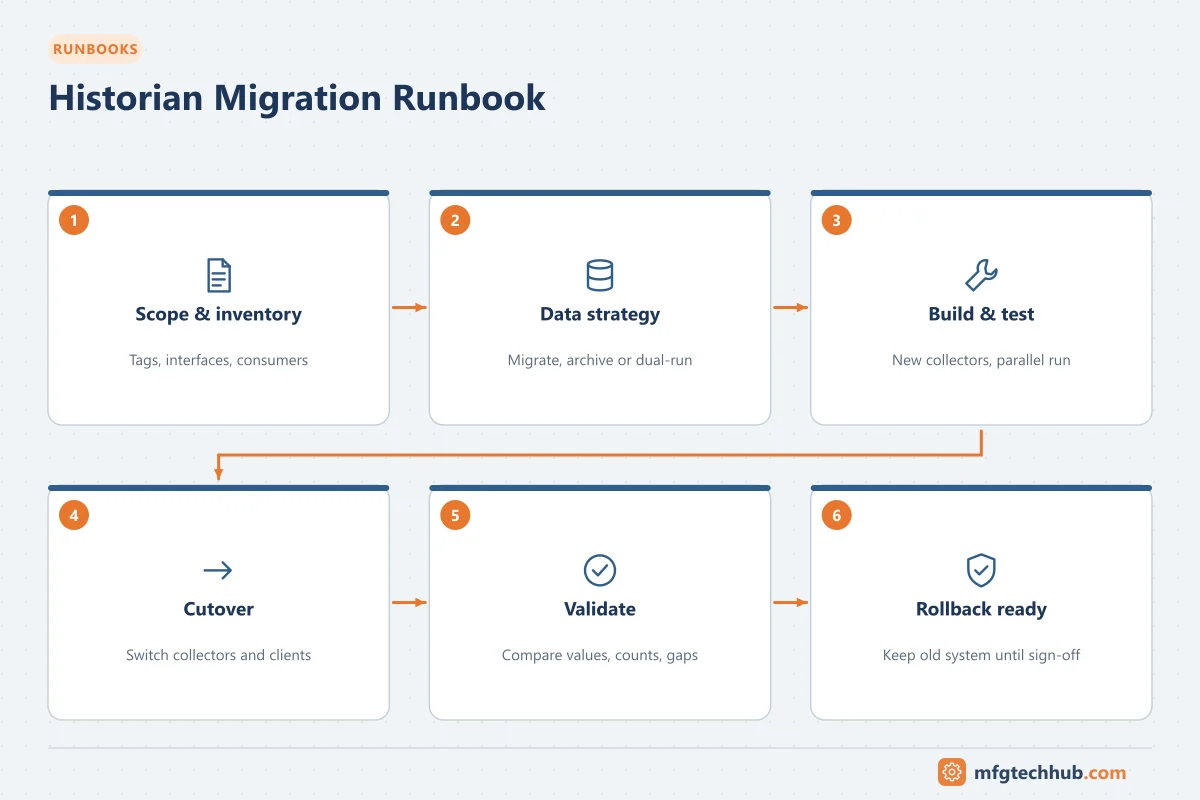
Historian data is often the only record of what happened in the plant, and it is used by engineers, quality, MES, reports and analytics. A migration must avoid gaps, duplicated data, broken reports and lost context. This template covers moves to new hardware, new versions or a different historian product; follow the vendor’s migration tools and documentation for product-specific steps.
Background: Industrial Historians Explained.
1. Purpose and scope
Move historian data collection, storage and access to the target system while keeping continuous data, historical archives and all consumers working.
In scope: collectors/interfaces, tag configuration, archives, asset models and calculations, event frames, displays and reports, consumers (SCADA trends, MES, BI tools, analytics), security and backups.
2. Prerequisites
- Inventory: tags (count, types, compression settings), collectors and sources, archive sizes and date ranges, asset models, calculations, consumers and their connections
- Decision on historical data: migrate all, migrate a period, or keep the old system read-only
- Target sizing (storage, licences, performance) and vendor compatibility checks
- Backups of the current historian. See OT Backup and Restore Runbook
- Test and acceptance criteria agreed with data users (engineering, quality, MES, analytics)
3. Data strategy options
| Option | Description | Consider |
|---|---|---|
| Full archive migration | All history moved to the target | Time and tool support for large archives; validation effort |
| Partial migration | Recent years moved; older kept read-only or exported | Consumers must know where older data is |
| No migration | New historian starts fresh; old kept read-only | Simplest; users need access to both |
Regulated data (for example GMP records) must remain available and unchanged for its retention period; plan validation accordingly.
4. Risks and mitigation
| Risk | Mitigation |
|---|---|
| Data gaps during switchover | Collector buffering (store-and-forward); overlap period collecting to both |
| Changed tag names break consumers | Keep tag names or provide a mapping; update consumers in a controlled way |
| Different compression changes results | Match or deliberately review compression and exception settings |
| Time zone or timestamp shifts | Verify UTC handling and daylight saving behaviour |
| Loss of context (asset models, events) | Migrate or rebuild models and calculations; test outputs |
| Duplicate data after backfill | Control backfill windows; verify no double values |
5. Execution
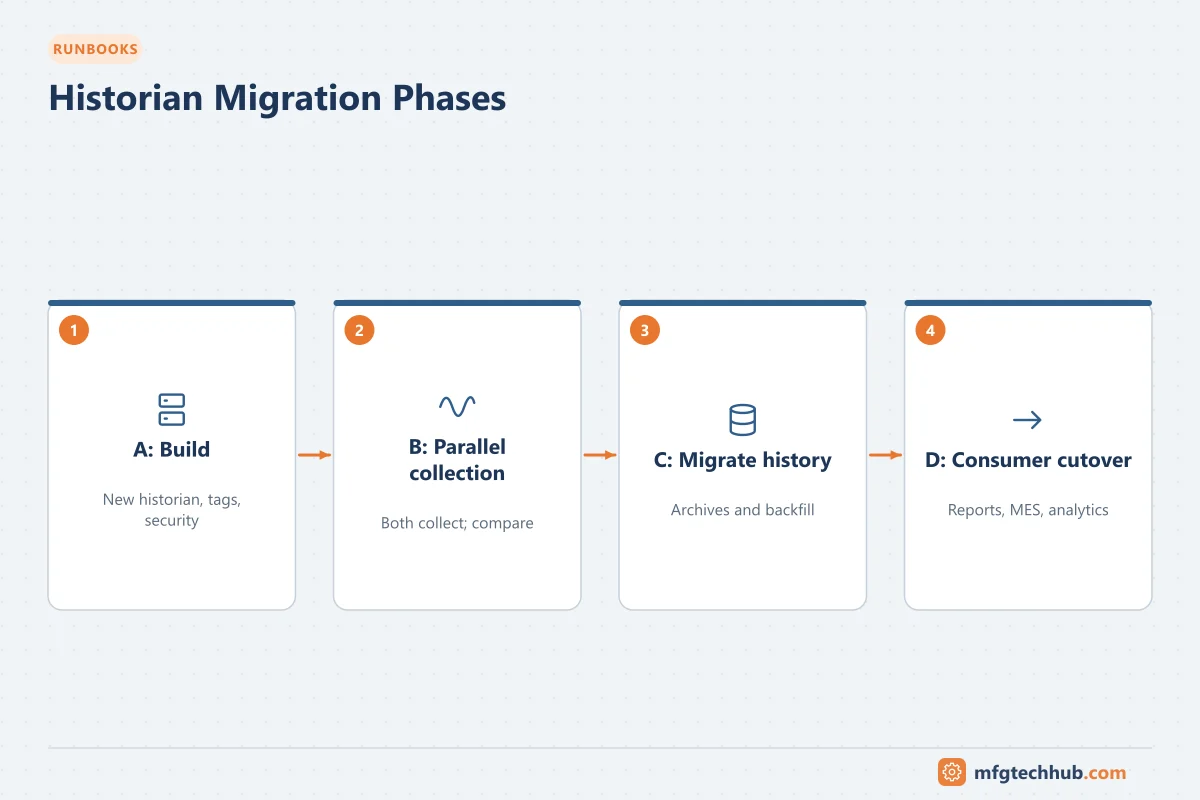
Phase A: Build
- Install and harden target servers; configure security, backups and time synchronisation.
- Create tag configuration (import from the old system with mapping).
- Rebuild or migrate asset models, calculations and event definitions.
Phase B: Parallel collection
- Configure collectors (or new collectors) to send data to the target, with buffering enabled.
- Run in parallel for an agreed period (for example several weeks).
- Compare values and statistics for representative tags (raw, interpolated, averages) between systems.
Phase C: Historical data migration
- Migrate archives according to the chosen strategy using vendor tools.
- Validate counts, date ranges and sample values.
Phase D: Consumer cutover
- Repoint SCADA trends, reports, MES interfaces, BI and analytics connections to the target.
- Verify each consumer with its owner.
- Stop collection to the old system after the agreed period; keep it read-only if required.
6. Validation
- No gaps across the cutover period for critical tags (check buffer backfill)
- Sample comparisons within agreed tolerance (raw and aggregated)
- Asset models, calculations and events produce expected results
- All consumers working; performance acceptable
- Security roles and access verified
- Backups of the new historian completed and restore tested
7. Rollback
Until consumers are fully cut over, keep the old historian collecting. Rollback means repointing consumers to the old system; data collected only by the target during the attempt can be backfilled later if needed.
8. Escalation and sign-off
- Contacts: historian vendor support, OT lead, IT infrastructure, data owners (quality, MES, analytics)
- Sign-off by data owners that their use cases work; update documentation, backup register and data retention records
Related guides
Before you apply this in a plant: this article is for education. Always check the current edition of the relevant standards, the manufacturer's documentation for your exact product and version, and your site's procedures. Safety-related work needs qualified personnel. See our editorial policy.