
SCADA Challenges and Risks: Security, Communications, Obsolescence, Alarms and How to Manage Them
On this page
SCADA systems supervise critical infrastructure over long distances and long lifetimes. That combination produces a recognisable set of problems: remote access that was added for convenience, protocols designed before security mattered, communication links that fail in storms, RTUs older than the engineers maintaining them, and alarm lists that overflow exactly when operators need them most. This page lists the common challenges, their causes and practical mitigations.
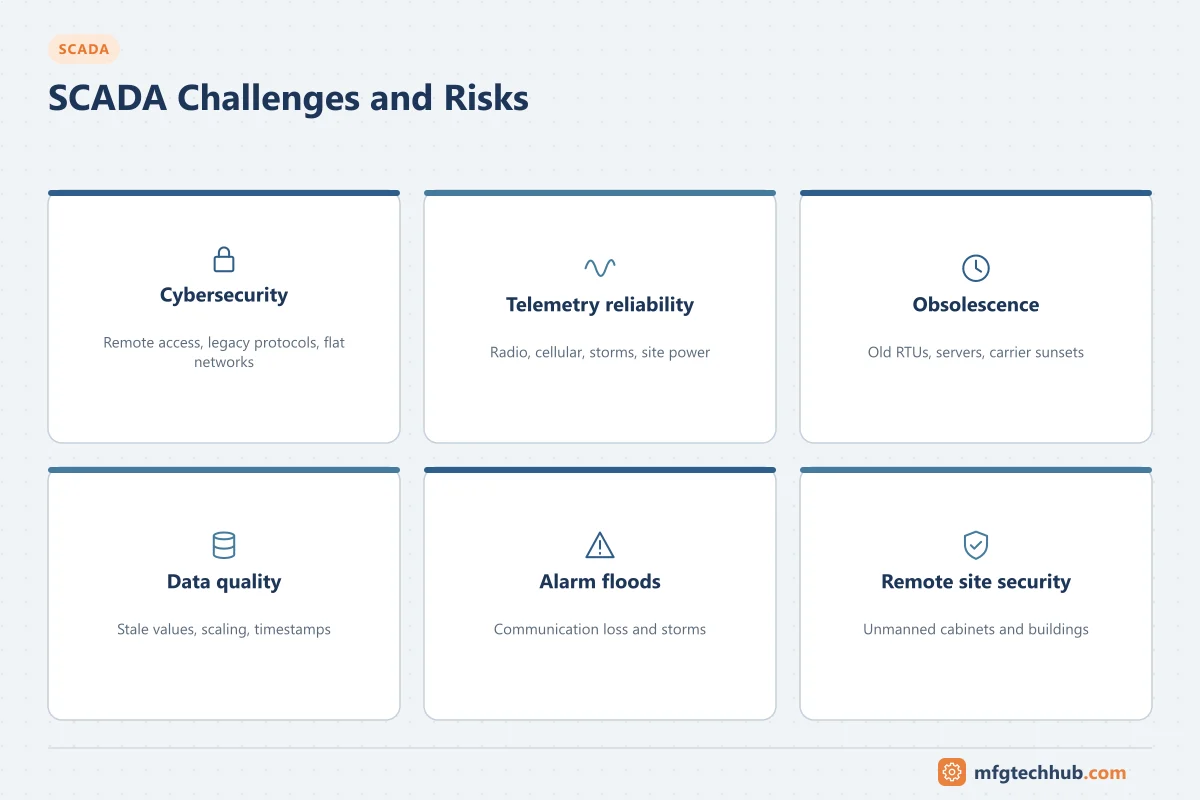
Risk register
| Challenge | Typical cause | Mitigation |
|---|---|---|
| Exposed remote access | Vendor or staff remote desktop, direct VPNs to servers, devices reachable from the internet | Remote access through a DMZ with multi-factor authentication, approval and logging; regular external exposure checks |
| Insecure legacy protocols | DNP3, Modbus and IEC 60870-5 without authentication or encryption | Secure variants where supported (DNP3 Secure Authentication, IEC 62351); VPNs or encrypted links; firewalls that restrict who may send commands |
| Flat networks | SCADA, corporate and site networks connected without segmentation | Zones and conduits per ISA/IEC 62443; industrial DMZ; site firewalls |
| Unreliable telemetry | Radio interference, cellular coverage, storms, power failures at sites | Redundant paths for critical sites, local control, event buffering, communication monitoring |
| Obsolete equipment | RTUs and PLCs past end of support; old Windows servers | Installed-base register with support status; phased replacement plan; spares strategy |
| Communication technology sunsets | Retirement of 2G/3G networks, changes to carrier services | Track carrier announcements; migrate to LTE, LTE-M, NB-IoT or private networks in good time |
| Poor data quality | Wrong scaling, stale values shown as good, clocks not synchronised | Quality flags, source timestamps, commissioning checks; see SCADA Data Acquisition |
| Alarm floods | Communication failures and storms generating hundreds of alarms | Alarm rationalisation, communication-loss suppression, flood handling (ISA-18.2) |
| Integration difficulties | Custom interfaces to GIS, billing, work management, MES | Standard interfaces (OPC UA, APIs), historian as integration layer, documented interfaces |
| Vendor lock-in | Proprietary protocols, licences and configuration formats | Open protocols at the field level; exportable configuration; licence terms reviewed at purchase |
| Skills and knowledge | Few people understand legacy systems; retirements | Documentation, training, support contracts, standard site designs |
| Physical security of sites | Unmanned, remote cabinets and buildings | Locks, door switches reported to SCADA, tamper detection, secured antennas and cabinets |
| Regulatory compliance | Sector security and reporting rules change | Compliance register; see SCADA Standards |
Cybersecurity in more detail
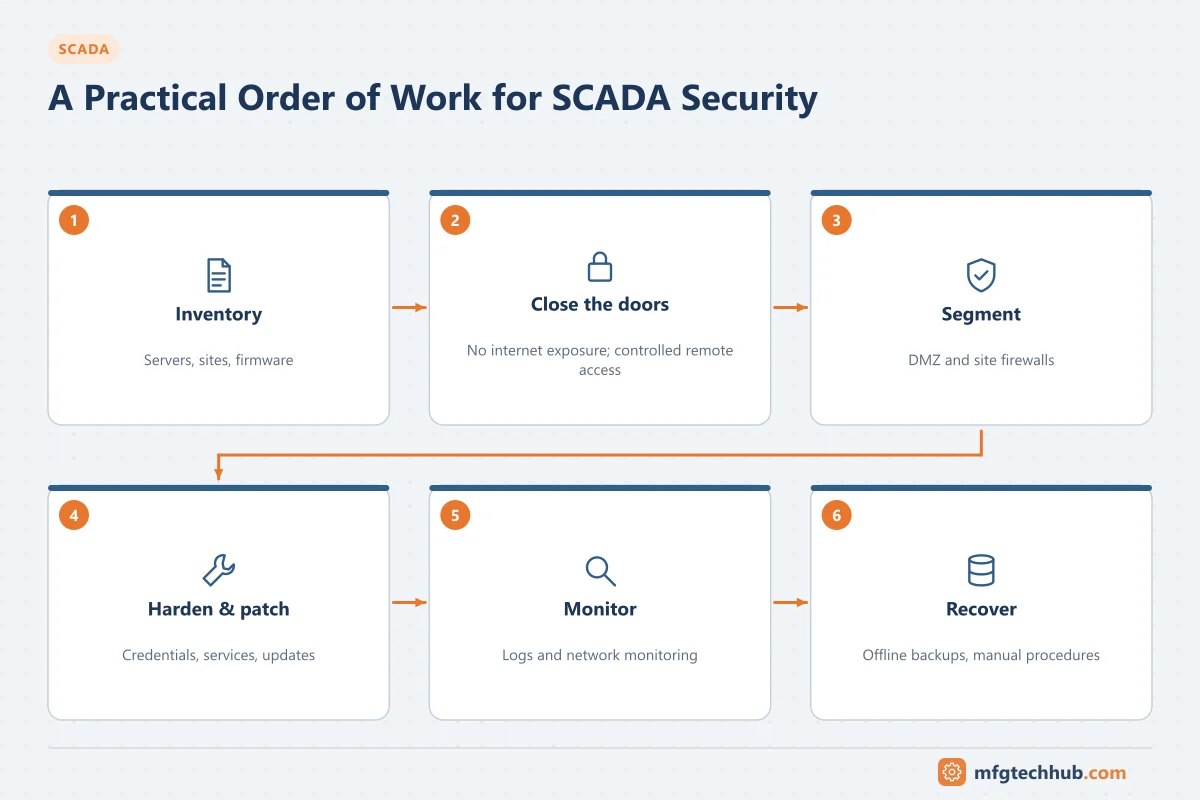
SCADA systems have been targeted in real attacks, including the 2015 attacks on Ukrainian power distribution companies that caused outages. Common weaknesses found in assessments are internet-exposed devices, shared or default passwords, unmonitored remote access, flat networks and unpatched servers. A practical order of work:
- Know what you have: asset inventory of servers, clients, network devices and site controllers, with firmware versions.
- Close the doors: remove direct internet exposure; control and log remote access.
- Segment: DMZ between corporate and SCADA networks; firewalls at sites and the control centre.
- Harden and patch: default credentials changed, services disabled, vendor-approved patches.
- Monitor: logs and network monitoring, with someone responsible for responding.
- Prepare to recover: offline backups, tested restores and manual operating procedures.
See ISA/IEC 62443 and OT Certificates and PKI.
Communication reliability
- Classify sites by criticality and design communication redundancy accordingly.
- Make every site able to run locally and buffer events during outages.
- Monitor link quality (signal strength, retries, latency) as SCADA points, not only “communication failed”.
- Test failover paths regularly; a backup path nobody has tested is an assumption.
See SCADA Network Topologies and SCADA Telemetry Communications.
Lifecycle and obsolescence
SCADA systems combine components with very different lifetimes: field devices and RTUs may stay for decades, servers and operating systems for a few years, and carrier technologies change on the carriers’ schedule. Keep a lifecycle register (component, version, support end date, replacement plan) and review it every year. Plan replacements in phases that keep the system running. See Traditional vs Modern SCADA Architecture and the SCADA Server Migration Runbook.
Operations: alarms and data
- Alarms caused by communication loss should collapse into one site alarm rather than dozens of point alarms.
- Stale data must be visible: a value that has not updated should not look like a good value.
- Review alarm performance regularly and remove nuisance alarms. See SCADA Alarm Management.
Cost considerations
The cost of SCADA is spread over many years: communication services and carrier fees, licences and support, site hardware refresh, security operations, and staff. Compare options on lifecycle cost, including communication costs per site and the cost of outages, rather than on initial price. General percentages vary too much by system to be useful; build the estimate from your site count, communication design and support model.
Security baseline checklist
- Asset inventory including site controllers and network devices
- No SCADA component directly reachable from the internet
- Remote access through a DMZ with multi-factor authentication and logging
- Industrial DMZ between corporate and SCADA networks
- Default passwords changed on all devices; individual user accounts
- Secure protocol variants or encrypted links for telemetry where possible
- Vendor-approved patching process and antivirus or whitelisting
- Logging and monitoring with defined responsibility
- Offline backups and tested restores; manual operation procedures
- Physical security and tamper alarms at remote sites
Frequently asked questions
What is the biggest risk to SCADA systems?
For most operators, uncontrolled remote access and insecure network connections are the most urgent risks, followed by obsolete equipment and unreliable communication. The right priorities come from a risk assessment of the specific system.
How can old SCADA protocols be secured?
Use their secure variants where devices support them (for example DNP3 Secure Authentication or IEC 62351 profiles). Where they do not, protect the links with VPNs or encryption and use firewalls to restrict which systems may communicate and send commands.
Why do SCADA systems suffer alarm floods?
Communication failures, storms and power outages affect many sites at once and can trigger many point alarms. Good designs suppress point alarms from sites with failed communication, rationalise alarms and handle floods explicitly.
Key takeaways
- Remote access, legacy protocols and flat networks are the most common security weaknesses.
- Every site should run locally and buffer data; critical sites need redundant communication.
- Manage obsolescence and carrier sunsets with a lifecycle register and phased replacement.
- Control alarm floods and make stale data visible.
Related tutorials
Before you apply this in a plant: this article is for education. Always check the current edition of the relevant standards, the manufacturer's documentation for your exact product and version, and your site's procedures. Safety-related work needs qualified personnel. See our editorial policy.