
SCADA Data Presentation: Trends, Dashboards, Reports, GIS and Web or Mobile Access
On this page
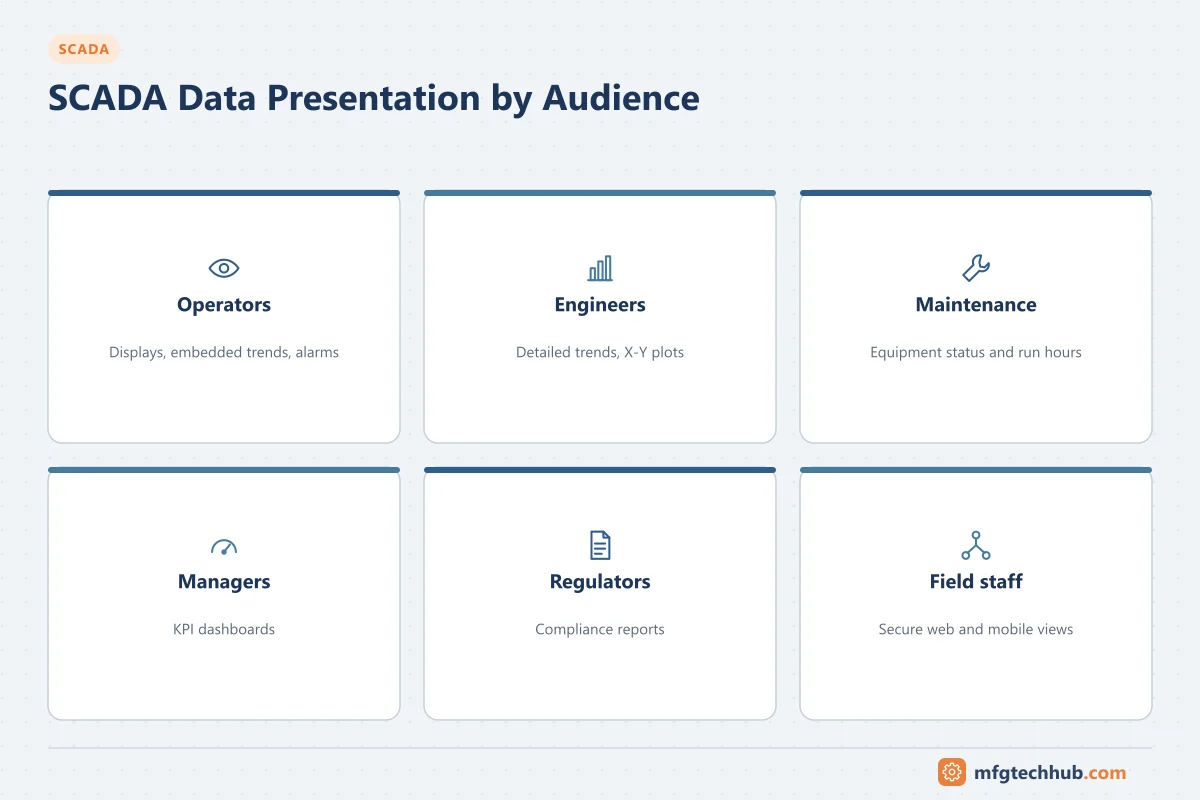
Operator graphics are only one way SCADA presents data. Engineers need trends to diagnose problems, managers need dashboards with a few meaningful indicators, regulators and customers need reports, utilities need map-based views of assets spread across a region, and on-call staff need mobile access. Each has different users, different data sources and different risks.
For the design of operator displays themselves (colour, hierarchy, faceplates), see SCADA HMI Display Design (ISA-101).
Who needs what
| Audience | Main need | Typical presentation |
|---|---|---|
| Control room operators | Detect and respond to abnormal situations | Operator displays, embedded trends, alarm lists |
| Process and control engineers | Diagnose problems, tune loops, analyse events | Detailed trends, X-Y plots, event and alarm history |
| Maintenance | Equipment condition, run hours, faults | Equipment dashboards, diagnostic displays |
| Supervisors and managers | Performance against targets | KPI dashboards, shift and daily reports |
| Regulators, customers, auditors | Evidence of compliance | Formal reports with defined calculations and audit trails |
| On-call and field staff | Status and alarms when away from the control room | Mobile and web views, notifications |
Trends
Trends are the most useful diagnostic tool in SCADA. Good trend practice:
- Standard trend sets per unit (for example all pressures and flows of a pump station) so engineers do not have to build them each time.
- Fixed, meaningful scales by default (the instrument range or the normal operating range), with auto-scaling as an option. Auto-scaling makes small noise look like large swings.
- Show setpoint, process value and output together for control loops; this reveals tuning and valve problems immediately. See Configuring Control Loops.
- Show alarm limits and the normal range on the trend.
- Indicate bad or missing data clearly rather than drawing a straight line across a gap.
- Use X-Y (scatter) plots for relationships such as pump curves or valve position against flow.
- Know whether the trend shows raw or compressed historian data, and at what resolution. See Industrial Historians.
Dashboards
- Design each dashboard for one audience and one decision: “Is the network meeting demand?”, “Which line is behind plan?”
- Show few indicators with context: target, actual, trend and status, rather than dozens of numbers.
- Use the same KPI definitions as reports so numbers match. See MES Reporting, KPIs and Analytics.
- Keep management dashboards out of the operator’s control screens; operators need process information, not financial KPIs.
- For cross-site or business dashboards, consider feeding a BI tool or data platform from the historian instead of loading the SCADA servers.
Reports
| Report type | Example | Requirements |
|---|---|---|
| Shift / daily operations | Production, flows, run hours, alarms, events | Automatic generation at shift end; operator comments |
| Compliance | Water quality, emissions, discharge volumes | Defined calculation rules, data substitution rules, approval and retention |
| Energy and utilities | Energy per unit of production | Correct meter data and time alignment |
| Maintenance | Run hours, starts, fault counts | Counters kept in controllers; see Data Acquisition and Processing |
For compliance reports, document how averages, totals and missing data are handled, protect the report configuration from uncontrolled change, and keep an audit trail of manual edits. See Data Integrity (ALCOA+).
GIS and map-based displays
Utilities and pipeline operators supervise assets spread over large areas. GIS-based displays show stations, pipelines, valves and sensors on a map, with status and alarms, so operators and field crews share a geographic picture. They work best as an overview layer that links to standard station displays, not as a replacement for them. See SCADA Telemetry Communications and Water and Wastewater Automation.
Web and mobile access
Most modern SCADA platforms provide web or mobile clients. Design them deliberately:
- View-only by default. Grant remote control rights only where justified, by role, with additional authentication for commands.
- Access path: through a DMZ, VPN or secure remote access gateway, never by exposing SCADA servers directly to the internet. See ISA/IEC 62443.
- Mobile layouts: small screens need purpose-built views (status summaries, alarm lists, key trends), not scaled-down operator displays.
- Session management: timeouts, individual accounts and logging of remote access.
- Availability: remote clients must not load servers used for control-room operation; consider separate web servers or historian-based views.
Performance and data sources
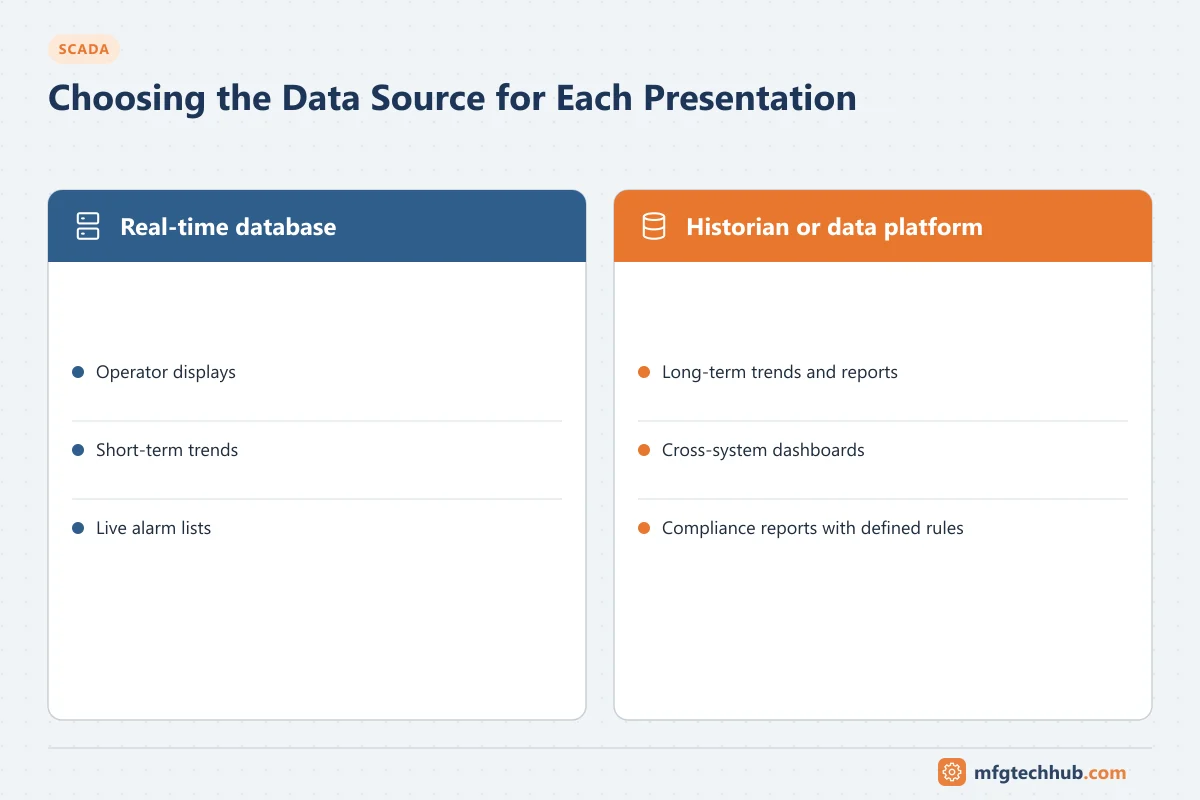
| Presentation | Best data source |
|---|---|
| Operator displays, short-term trends | SCADA real-time database |
| Long-term trends, reports, analysis | Historian |
| Cross-system dashboards | Historian or data platform |
| Compliance reports | Historian with defined calculation rules |
Heavy reports and long-range trends queried against the real-time servers can slow operator displays. Schedule reports, use the historian, and monitor server load.
Common mistakes
| Mistake | Better approach |
|---|---|
| Auto-scaled trends that exaggerate noise | Fixed default scales with the normal range shown |
| Different KPI results in dashboards and reports | One set of KPI definitions and calculations |
| 3D, animated or decorative dashboards | Simple, context-rich indicators |
| Remote users with full control rights | View-only by default; controlled command access |
| Compliance reports built on undocumented calculations | Documented, controlled calculation rules and audit trail |
Frequently asked questions
What is the difference between an HMI display and a SCADA dashboard?
An HMI display is designed for operators to monitor and control the process in real time. A dashboard summarises performance indicators for supervisors, engineers or managers and is normally view-only.
How should SCADA trends be configured?
With standard trend sets per unit, fixed default scales, setpoint, PV and output shown together for loops, alarm limits and normal ranges visible, and clear indication of bad or missing data.
Is it safe to access SCADA from a mobile phone?
It can be, if access is view-only by default, goes through a secure remote access path with individual authentication, and command rights are limited and logged. SCADA servers should never be exposed directly to the internet.
Key takeaways
- Present data for a specific audience and decision: operators, engineers, maintenance, managers or regulators.
- Configure trends with meaningful scales, context and data quality indication.
- Use one set of KPI definitions for dashboards and reports; build compliance reports on documented rules.
- Provide web and mobile access through secure paths, view-only by default.
Related tutorials
Before you apply this in a plant: this article is for education. Always check the current edition of the relevant standards, the manufacturer's documentation for your exact product and version, and your site's procedures. Safety-related work needs qualified personnel. See our editorial policy.