
SCADA Scripting: What to Automate, What Not To, and How to Write Maintainable Scripts
On this page
Most SCADA and HMI platforms include a scripting language. Scripts are powerful: they can generate reports, exchange data with databases, customise screen behaviour and automate repetitive engineering tasks. They are also a common source of problems, because scripts are easy to add, hard to see, and often end up doing jobs that belong in the controller.
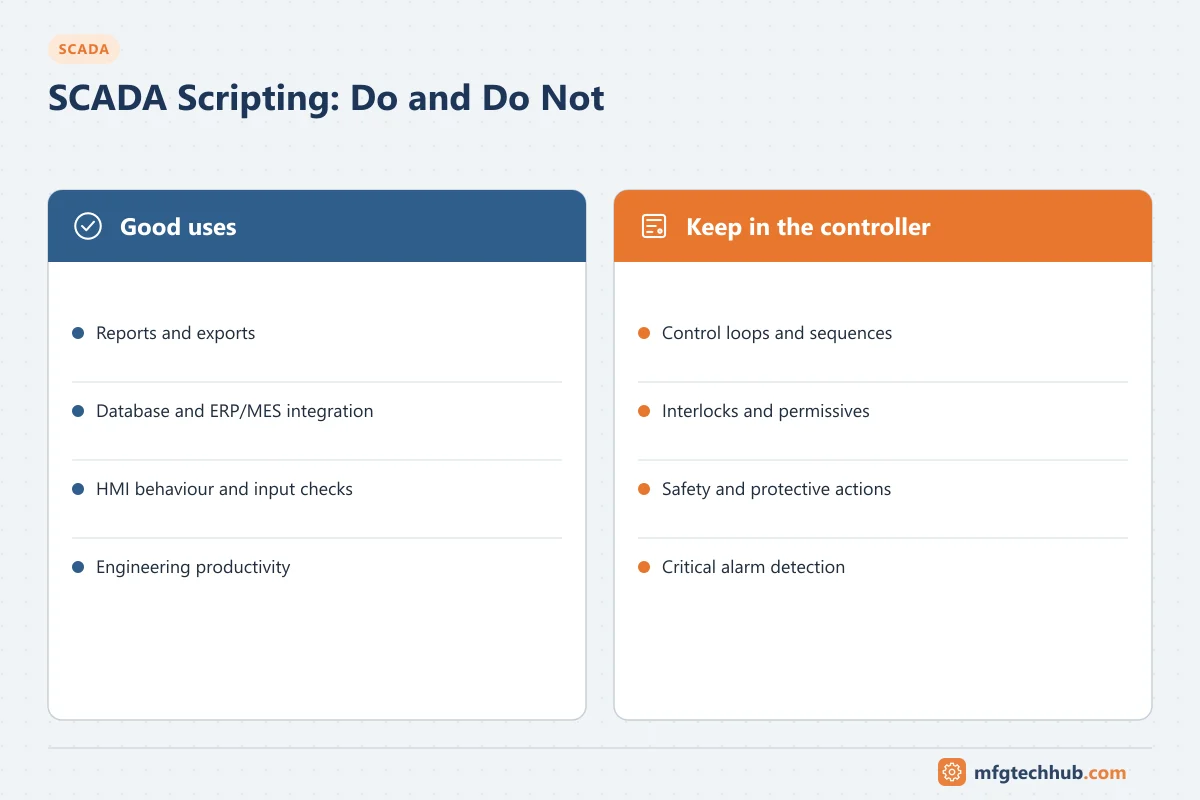
This guide explains what scripting is good for, what it should never do, and how to write scripts that the next engineer can maintain.
Scripting languages by platform
Each platform has its own language and object model. Examples (confirm for your product version):
| Platform | Scripting |
|---|---|
| Ignition (Inductive Automation) | Python syntax (Jython) with a platform function library |
| Siemens WinCC (V7 / classic) | C scripts and VBScript |
| Siemens WinCC Unified | JavaScript |
| FactoryTalk View SE (Rockwell Automation) | VBA in displays |
| AVEVA InTouch / System Platform | QuickScript, with .NET access in System Platform |
| Proficy iFIX | VBA |
Knowledge of the language is the easy part. The platform’s execution model (where the script runs, which thread, what happens when it fails) determines whether a script is safe.
Where scripts run and when they fire
| Location | Runs on | Typical use | Risk if misused |
|---|---|---|---|
| Client / display scripts | Operator station, only while the screen is open | Navigation, pop-ups, input validation, dynamic display behaviour | Logic stops when the screen closes or the client disconnects |
| Server / gateway scripts | SCADA server, independently of clients | Reports, database transfers, integration, calculated values | Blocking or slow scripts can delay the server; failures may be silent |
| Tag-change / event scripts | Server, triggered by a value change | React to a state change, such as writing a batch record when a batch ends | Missed or repeated triggers when values chatter or communication drops |
| Timer / scheduled scripts | Server, at intervals or set times | Shift reports, housekeeping, periodic exports | Overlapping runs if a run takes longer than its interval |
Good uses of SCADA scripting
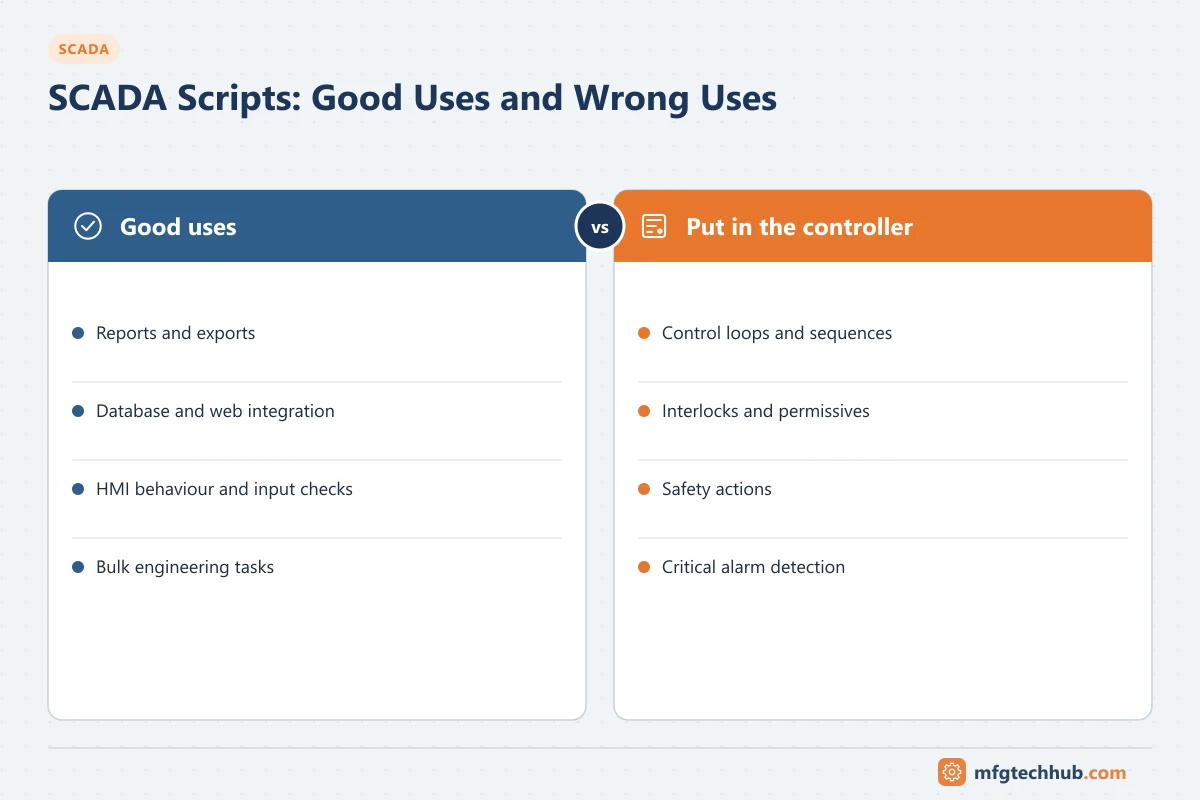
- Reports and exports: shift and daily reports, batch summaries, CSV or database exports.
- Integration: reading or writing SQL databases, calling web services, exchanging data with MES or ERP. For larger integrations, a dedicated interface or middleware is often better; see MES Integration Guide.
- HMI behaviour: opening faceplates, confirming commands, validating operator input, filtering lists.
- Engineering productivity: bulk creation of tags or screens from a tag list, consistency checks, documentation exports.
- Non-critical calculations: values for display or reporting, where the controller does not need them.
What scripts should not do
| Do not use scripts for | Why | Put it here instead |
|---|---|---|
| Control loops or sequences (for example “start the pump if the level is low”) | Depends on server availability, network, scan timing and script errors | PLC or controller logic |
| Interlocks and permissives | Must work regardless of SCADA state and command source | Controller. See SCADA Control and Command Functions |
| Safety or protective actions (for example closing a pipeline valve on a pressure drop) | Protection needs defined response times and independence | Controller or safety instrumented system. See Functional Safety |
| Alarm detection for critical alarms | Scripts can fail silently | Native alarm configuration, controller alarms |
| Storing important data only in script variables | Lost on restart | Tags, databases, historian |
A useful test: if the SCADA server stopped for an hour, would anything unsafe or uncontrolled happen because this script did not run? If yes, the function belongs in the controller.
Writing maintainable scripts
- Keep scripts short and put shared logic in libraries or project functions. Copy-pasted code on hundreds of buttons becomes impossible to change.
- Use clear names and comments that explain why, not only what.
- Never hard-code tag paths, IP addresses, credentials or file paths in many places; use parameters or configuration.
- Handle errors explicitly: catch exceptions, log them with context, and raise a diagnostic alarm when an important script fails.
- Avoid blocking calls (long database queries, web calls, sleeps) on display threads or in tag-change events; use asynchronous or scheduled execution.
- Guard against repeated or missed triggers: check that the new value really differs, and design events to be safe if they run twice.
- Log what matters at an appropriate level; do not flood logs every scan.
Example: robust end-of-batch record (pseudo-code)
on tag change of Batch.State:
    if new value != "COMPLETE" or old value == "COMPLETE":
        return                              # only act on the transition
    batch_id = read(Batch.ID)
    if record_exists(batch_id):
        log.info("Batch already recorded", batch_id)
        return                              # safe if the event fires twice
    try:
        data = read_many([Batch.ID, Batch.Product, Batch.Quantity, Batch.EndTime])
        if any value has bad quality:
            raise_alarm("Batch record incomplete", batch_id)
            return
        insert_batch_record(data)
    except error as e:
        log.error("Batch record failed", batch_id, e)
        raise_alarm("Batch record interface failure")
The pattern (act on the transition only, check for duplicates, check data quality, log and alarm on failure) applies whatever the language.
Performance
- Count how many scripts run per second at peak (tag-change scripts on fast-changing tags can run far more often than expected).
- Move heavy work to scheduled scripts or the historian/database.
- Measure script execution times with the platform’s diagnostics, and review them after changes.
Security
- Restrict who can edit scripts and deploy projects, and log changes.
- Store credentials for databases and web services in the platform’s secure configuration, not in script text.
- Validate any input used in database queries (use parameterised queries) or file paths.
- Do not allow scripts to execute arbitrary commands received from outside the system.
See ISA/IEC 62443.
Version control, testing and change management
- Export scripts and projects to a version control system, or use the platform’s built-in versioning, so changes are traceable.
- Test scripts in a development or test system with simulated data, including failure cases: bad quality, communication loss, database unavailable, repeated events.
- Apply the same management of change to scripts as to controller logic. In GMP environments, scripts that affect records or calculations are part of the validated system; see Computerised System Validation.
- Back up the project; see OT Backup and Restore Runbook.
Troubleshooting scripts
| Symptom | Likely cause | Check |
|---|---|---|
| Screen freezes when a button is pressed | Blocking call (database, web service) on the display thread | Move to asynchronous or server-side execution |
| Report missing on some days | Scheduled script failed silently or overlapped previous run | Script logs; add error alarms |
| Duplicate records | Tag-change event fired twice (chattering value, reconnect) | Add transition and duplicate checks |
| Server CPU high | Scripts triggered by fast-changing tags | Execution statistics; change trigger or scan class |
| Script works in test, fails in production | Hard-coded paths, missing permissions, different tag names | Configuration parameters, service account rights |
Frequently asked questions
Can I use SCADA scripts for process control?
Not for control, interlocks or protection. These must run in the PLC or controller so they keep working when SCADA servers or networks fail. Scripts are appropriate for reporting, integration, HMI behaviour and non-critical calculations.
Which scripting language should I learn for SCADA?
Learn the language of the platform you use. Python (used in Ignition) and JavaScript (used in WinCC Unified and web-based HMIs) are increasingly common, while VBScript and VBA remain in many existing systems.
How do I stop scripts from slowing down the SCADA server?
Avoid blocking calls, move heavy processing to scheduled tasks or the database, limit scripts on fast-changing tags, and monitor execution times with the platform diagnostics.
Key takeaways
- Scripts are for reporting, integration, HMI behaviour and engineering productivity.
- Control, interlocks, protection and critical alarms belong in controllers, not scripts.
- Write short, library-based scripts with explicit error handling, no hard-coded values and protection against repeated events.
- Put scripts under version control, test failure cases and manage changes like controller code.
Related tutorials
Before you apply this in a plant: this article is for education. Always check the current edition of the relevant standards, the manufacturer's documentation for your exact product and version, and your site's procedures. Safety-related work needs qualified personnel. See our editorial policy.