
SAP–MES Integration: Orders, Confirmations, IDocs, BAPIs, APIs and Error Handling
On this page
The interface between SAP and the MES is where business planning meets the shop floor. When it works, orders appear on the line at the right time and inventory in SAP matches reality. When it fails, orders are missing, confirmations pile up in error queues and stock figures drift. This guide explains the SAP-specific side of the integration.
For the general MES perspective (PLC handshakes, LIMS, WMS, middleware patterns), see MES Integration Guide.
Verify for your release: interface objects, APIs and transactions differ between SAP ERP (ECC), SAP S/4HANA on-premise and SAP S/4HANA Cloud. Confirm availability on the SAP Business Accelerator Hub (api.sap.com) and the SAP Help Portal before designing interfaces.
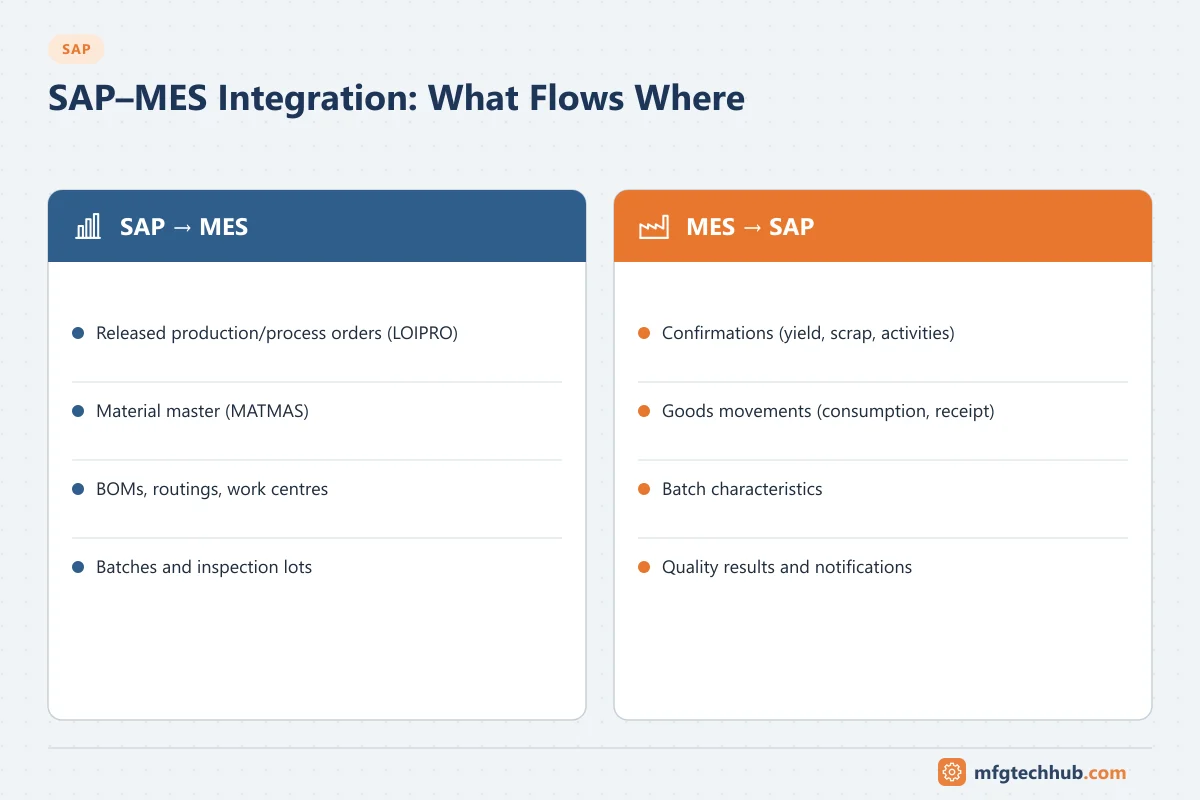
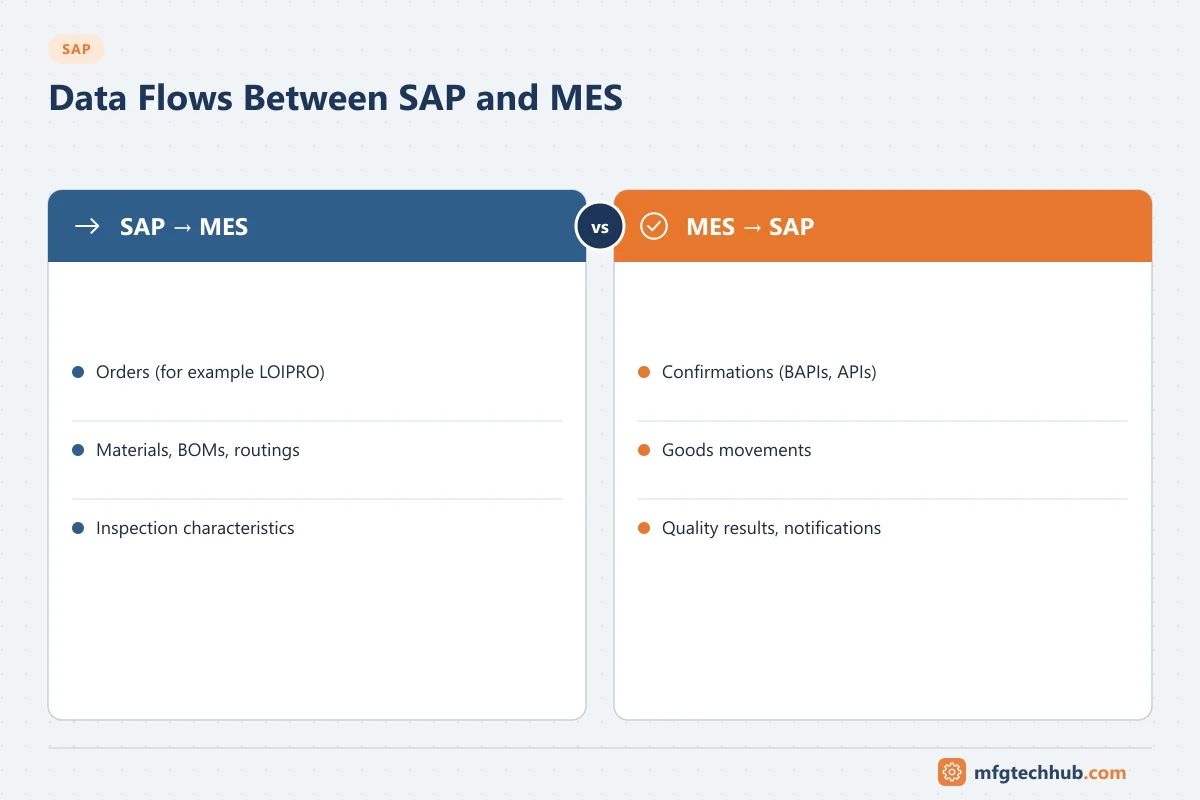
What flows between SAP and MES
| Direction | Data | Typical trigger |
|---|---|---|
| SAP → MES | Material master (relevant views), BOM/material lists, routings/recipes, work centres/resources | Master data change or scheduled transfer |
| SAP → MES | Released production or process orders (header, operations/phases, components, quantities, dates, batches) | Order release or change |
| MES → SAP | Confirmations (yield, scrap, activities, operation/phase completion) | Operation or order completion, shift end, or event-driven |
| MES → SAP | Goods movements (component consumption, goods receipt of products and by-products) | With confirmations or separately |
| MES → SAP | Batch data (new batches, characteristics) | Batch creation or completion |
| MES ↔ SAP QM | Inspection results, usage decisions, quality notifications | Inspection completion |
| MES → SAP PM | Counter readings, equipment status, maintenance notifications | Condition or counter thresholds |
Interface technologies
IDocs (asynchronous, common for order and master data download)
| IDoc message type | Content |
|---|---|
| LOIPRO | Production and process orders |
| MATMAS | Material master (the standard material master message type) |
| LOIBOM | Bills of materials |
| LOIROU | Routings |
| LOIWCS | Work centres |
| LOIPLO | Planned orders |
These message types (the “LOI” logistics-interface types plus MATMAS for materials) are commonly used to send manufacturing data from SAP to MES. IDocs are asynchronous and can be monitored and reprocessed in SAP (IDoc lists WE02/WE05; status monitor BD87).
BAPIs (commonly used for postings from MES)
| BAPI | Purpose |
|---|---|
| BAPI_PRODORDCONF_CREATE_TT | Confirmations (time tickets) for production orders, optionally with goods movements |
| BAPI_PROCORDCONF_CREATE_TT | Confirmations for process orders |
| BAPI_GOODSMVT_CREATE | Goods movements (goods issue, goods receipt, transfers) |
BAPIs are called synchronously (RFC) or via middleware, and return messages that the calling system must evaluate and handle.
OData APIs (SAP S/4HANA)
SAP S/4HANA provides released OData APIs for manufacturing, for example the Production Order (Version 2) API (API_PRODUCTION_ORDER_2_SRV) and the Production Order Confirmation API (API_PROD_ORDER_CONFIRMATION_2_SRV). For SAP S/4HANA Cloud, released APIs are the main integration path. Check the SAP Business Accelerator Hub for available APIs, versions and supported operations in your edition.
Middleware
Most enterprise designs use middleware (for example SAP Integration Suite or another integration platform) for routing, mapping, monitoring, retries and security, rather than direct point-to-point connections. SAP Digital Manufacturing provides standard integration with SAP S/4HANA for orders, master data and confirmations.
Technical setup step by step
A. Outbound IDocs from SAP to MES (orders and master data)
| Step | T-code | What to do |
|---|---|---|
| 1 | BD54 | Define a logical system for the MES (and assign SAP’s own logical system to the client if not already done) |
| 2 | SM59 | Create the RFC destination to the MES or middleware (or use an XML/HTTP port for middleware that receives IDocs as XML) |
| 3 | WE21 | Create the port that uses this destination |
| 4 | BD64 | Create a distribution model view: sender SAP, receiver MES, message types LOIPRO, MATMAS, LOIBOM, LOIROU, LOIWCS as required; distribute the model |
| 5 | WE20 | Maintain the partner profile for the MES logical system: outbound parameters per message type, receiver port, basic type (for example LOIPRO01), “transfer IDoc immediately” or collected |
| 6 | BD61, BD50, BD52 | For master data: activate change pointers globally and per message type, and choose which fields trigger them |
| 7 | BD21 (report RBDMIDOC) | Generate master data IDocs from change pointers; schedule as a background job |
| 8 | POIT (report RCCLTRAN) | Generate LOIPRO IDocs for released orders; schedule as a job or trigger on release |
| 9 | WE02 / WE05, BD87 | Monitor and reprocess IDocs |
Extensions: if the MES needs fields that are not in the standard IDoc, use an IDoc extension and the enhancement points provided for LOIPRO, rather than modifying standard objects.
B. Inbound postings from MES to SAP (BAPIs over RFC)
- Create a technical user (SU01, user type System) for the MES or middleware, with authorisations only for the needed BAPIs and plants (RFC authorisation object S_RFC plus the application authorisations for confirmations and goods movements).
- Call BAPI_PRODORDCONF_CREATE_TT (or BAPI_PROCORDCONF_CREATE_TT) with order, operation, yield, scrap, activities and optional goods movements; then BAPI_TRANSACTION_COMMIT.
- Evaluate the RETURN table; on errors, keep the message in the MES or middleware queue for correction.
- Use queued or transactional RFC in middleware for guaranteed, ordered delivery; monitor with SM58 (tRFC) and SMQ1/SMQ2 (outbound/inbound qRFC queues).
C. OData APIs (SAP S/4HANA)
- On-premise: activate the service (for example API_PROD_ORDER_CONFIRMATION_2_SRV) in the SAP Gateway with /IWFND/MAINT_SERVICE, and assign authorisations to the technical user.
- SAP S/4HANA Cloud: set up a communication user, communication system and communication arrangement for the relevant communication scenario.
- Use OAuth or certificate-based authentication where supported; see Certificates and PKI for OT.
- Monitor calls in the gateway error log and, for SOAP web services, SRT_MONI.
Mapping example: production order to MES (illustrative)
| LOIPRO01 segment | SAP content | Typical MES field |
|---|---|---|
| E1AFKOL (order header) | Order number, material, total quantity, basic dates, production version | Work order header |
| E1JSTKL (header status) | System statuses such as REL, TECO | Order status; block execution if not released |
| E1AFFLL (sequences) | Standard or alternative sequence | Routing path |
| E1AFVOL (operations) | Operation number, work centre, control key, standard values | Operations / steps and their work centres |
| E1RESBL (components) | Component material, quantity, storage location, batch, backflush indicator | Bill of materials for the order |
Agree units of measure, batch rules, how order changes and deletions are sent (for example a changed quantity or a TECO status), and how the MES reacts to each.
Choosing an architecture
| Option | When it fits |
|---|---|
| Third-party MES with IDoc/BAPI/API integration through middleware | Established MES products, multi-vendor landscapes, strong existing integration platform |
| SAP Digital Manufacturing | SAP-centric companies wanting a cloud MES with standard S/4HANA integration; shop-floor connectivity via the Production Connector. See Connecting SAP to the Shop Floor |
| SAP ME / SAP MII (existing installations) | Running systems; plan migration because SAP has announced the end of mainstream maintenance (see the connectivity guide for dates) |
| PP-PI process management with a batch system | Process plants where the DCS/batch system executes and SAP needs process messages; see SAP PP-PI |
Designing confirmations
| Decision | Options | Considerations |
|---|---|---|
| Granularity | Per operation/phase, per shift, per order at completion | Real-time inventory vs transaction volume and error exposure |
| Goods movements | Backflush in SAP with confirmation, or explicit goods movements from MES | Backflush relies on accurate BOMs; explicit movements need batch and quantity data from MES |
| Scrap and reasons | Scrap quantities with reason codes | Align reason codes between MES and SAP |
| Activities | Actual times from MES, or standard values | Affects costing accuracy |
| Final confirmation | Who decides the order is complete, and when | Open reservations and goods receipts depend on it |
| Cancellations and corrections | Reversal process for wrong confirmations | Must be possible from MES or by planners in SAP |
Error handling and monitoring
Integration errors are inevitable (missing stock, closed posting periods, locked orders, master data gaps). What matters is that they are visible, owned and resolved quickly.
| Where errors appear | Tool |
|---|---|
| Inbound/outbound IDocs in error | IDoc lists (WE02/WE05), status monitor and reprocessing (BD87) |
| Goods movements that failed during confirmation | COGI (postprocess faulty goods movements); in S/4HANA also the Reprocess Goods Movements app |
| Actual cost calculation errors from confirmations | COFC (reprocessing of actual cost errors) |
| PP-PI process messages | CO54 (message monitor) |
| Middleware errors | Integration platform monitoring |
| MES-side queue | MES interface error queue |
Good practice:
- A daily (or more frequent) review of error queues with clear ownership (planning, warehouse, IT).
- Alerts when error counts or queue ages exceed thresholds.
- Idempotent interfaces: resending a message must not post twice. Use unique message or confirmation IDs.
- Store-and-forward in MES and middleware so production continues when SAP is unavailable.
Reconciliation
Even with good error handling, periodic reconciliation catches silent failures:
- Orders released in SAP vs orders received in MES
- Quantities produced and consumed per order in MES vs confirmed and posted in SAP
- Stock of key materials in SAP vs MES/WMS
- Open orders in MES vs technically completed orders in SAP
Testing and cutover
- Interface specification for every message: fields, mapping, units of measure, batch handling, triggers, error codes.
- End-to-end tests: order release → MES execution → confirmation → goods movements → stock and cost checks in SAP.
- Negative tests: missing stock, closed period, locked order, duplicate message, SAP unavailable.
- Volume tests at peak rates (for example shift changes).
- Cutover plan: open orders, WIP and inventory at go-live; which orders finish in the old process and which start in the new one.
Frequently asked questions
Which SAP IDoc sends production orders to MES?
The LOIPRO message type is commonly used to send production orders and process orders from SAP to plant-level systems such as MES.
Should MES post goods movements or let SAP backflush?
Both are common. Backflushing keeps the interface simpler but relies on accurate BOMs and planned quantities. Explicit goods movements from MES give more accurate consumption and batch data but require more integration and error handling.
How do I find failed goods movements from confirmations?
In SAP ERP and S/4HANA on-premise, transaction COGI lists goods movements that failed during confirmation so they can be corrected and reposted; S/4HANA also provides a corresponding Fiori app.
Key takeaways
- SAP sends master data and released orders; MES returns confirmations, goods movements, batch and quality data.
- IDocs (LOI message types), BAPIs and S/4HANA OData APIs are the main technologies, usually through middleware.
- Design confirmation granularity and goods movement strategy deliberately.
- Monitor error queues daily, make interfaces idempotent, and reconcile regularly.
Related tutorials
Before you apply this in a plant: this article is for education. Always check the current edition of the relevant standards, the manufacturer's documentation for your exact product and version, and your site's procedures. Safety-related work needs qualified personnel. See our editorial policy.