
SCADA Systems Components: Human-Machine Interface (HMI) 🖥️
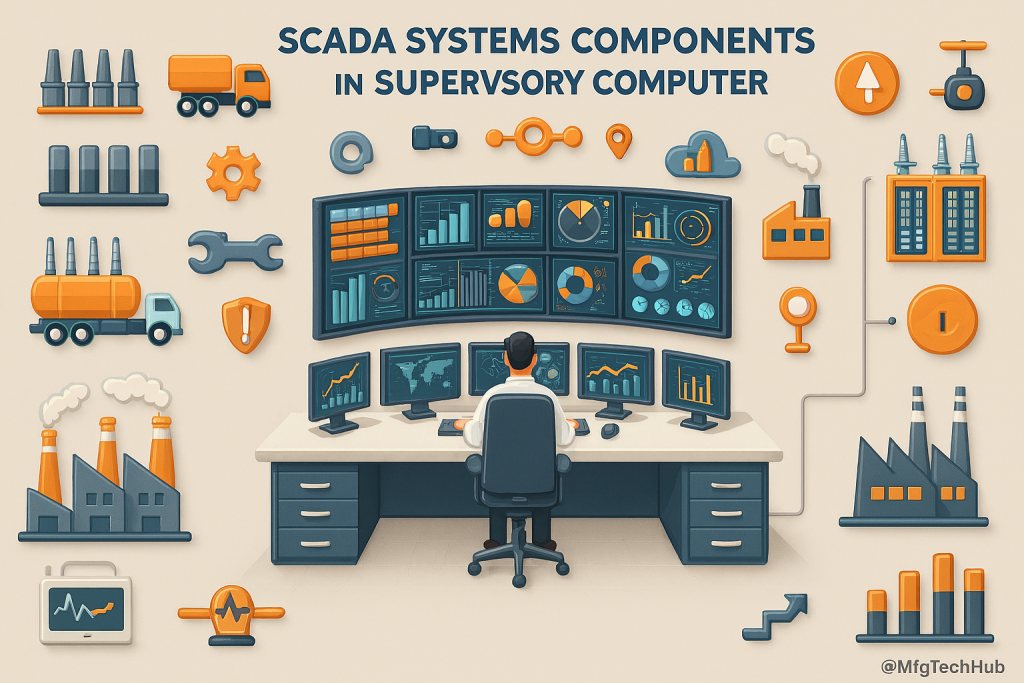
The Human-Machine Interface (HMI) is a crucial component of SCADA (Supervisory Control and Data Acquisition) systems, acting as the bridge between operators and industrial processes. It enables real-time monitoring, control, and visualization, allowing operators to interact with automated systems efficiently.
1. What is an HMI in SCADA?
The HMI (Human-Machine Interface) is a graphical user interface (GUI) that presents real-time process data, system controls, and alarms in an intuitive format. It provides operators, engineers, and decision-makers with an easy way to monitor and control industrial processes.
🔹 Example: In a power plant, the HMI displays generator status, power output, and system alarms, allowing operators to adjust settings or respond to faults.
2. Key Functions of an HMI
A. Real-Time Process Visualization
- 📊 Displays live process data such as temperature, pressure, flow, and machine status.
- 🔄 Shows dynamic updates using graphical elements like meters, gauges, and trend lines.
- 🖥️ Provides an overview of the entire system in a centralized dashboard.
🔹 Example: In oil refineries, the HMI displays real-time tank levels, valve positions, and flow rates for operators to ensure smooth operations.
B. Alarm and Event Management
- 🚨 Alerts operators to abnormal conditions like high temperatures, low pressure, or system faults.
- 📢 Uses color-coded alarms (e.g., red for critical, yellow for warning) for better visibility.
- 📜 Logs alarm history for analysis, troubleshooting, and compliance reporting.
🔹 Example: In water treatment plants, the HMI triggers an alarm if chlorine levels exceed safety limits, prompting corrective action.
C. Control and Command Execution
- 🕹️ Allows manual control of industrial devices (e.g., starting/stopping pumps, adjusting motor speed).
- ⚡ Supports automation by executing predefined control commands.
- 🔍 Provides real-time feedback on the impact of control actions.
🔹 Example: In manufacturing, an operator increases conveyor speed through the HMI to match production demand.
D. Data Logging and Historical Trends
- 📈 Records process values for analysis and reporting.
- 📊 Generates historical trends to identify inefficiencies and predict failures.
- 📂 Exports data to external systems (e.g., ERP, MES) for further processing.
🔹 Example: In pharmaceutical production, the HMI logs batch temperatures and pressure trends for regulatory compliance.
3. Types of HMI Displays in SCADA
| HMI Type | Description | Use Case |
|---|---|---|
| Graphical Displays | Shows real-time process data using animated objects (e.g., tanks, valves, pipelines). | Power plants, factories |
| Tabular Displays | Presents numerical data in table format for quick reference. | Data centers, substations |
| Alarm Panels | Lists active, acknowledged, and historical alarms. | Industrial safety systems |
| Trend Charts | Displays real-time and historical trends of critical parameters. | Quality control, predictive maintenance |
| 3D Models | Provides a 3D representation of physical assets. | Smart factories, high-tech industries |
4. Benefits of HMI in SCADA
- ✔ Improved Decision-Making - Operators react quickly to real-time conditions.
- ✔ Enhanced Process Control - Automation and manual control options ensure efficiency.
- ✔ Reduced Downtime - Early fault detection prevents costly breakdowns.
- ✔ User-Friendly Interface - Simplifies complex data for easy interpretation.
- ✔ Remote Monitoring - Cloud-based HMIs allow operators to access systems from anywhere.
🔹 Example: A remote wind farm uses a web-based HMI to monitor turbine performance from a central control room.
5. Future Trends in HMI Technology
- 🚀 Touchscreen HMIs - Intuitive interfaces with multi-touch capabilities.
- 📡 Cloud-Based HMIs - Enable remote access and control from any location.
- 🤖 AI-Integrated HMIs - Predictive analytics for smarter decision-making.
- 🔒 Enhanced Cybersecurity - Secure login, encryption, and role-based access control.
- 🕶️ Augmented Reality (AR) HMIs - Visualize real-time SCADA data using AR headsets.
🔹 Example: In smart manufacturing, AR-based HMIs overlay process data on physical machines, allowing technicians to diagnose issues instantly.
The Human-Machine Interface (HMI) is the operator’s window into SCADA systems, providing real-time insights, alarms, and control options. As technology evolves, HMIs are becoming smarter, more intuitive, and more accessible, enabling safer and more efficient industrial automation.
6. HMI Design Best Practices
- 🎨 High-performance visuals: Prefer neutral palettes and use bright colors only for abnormal conditions so alarms stand out instantly.
- 📊 Context near numbers: Place trends/sparklines beside key values to reveal direction and rate of change at a glance.
- 🔍 Consistent navigation: Organize screens by area → unit → detail with clear breadcrumbs and standard symbols across sites.
- 🚨 Alarm discipline: Limit alarm rates, apply priorities and deadbands, and suppress chattering to reduce fatigue and missed events.
- 🕹️ Safe commands: Use confirmations for risky actions and show interlock reasons when a command is rejected.
- 🖥️ Test before deploy: Validate layouts and sequences in a staging environment or digital twin to catch usability issues early.
7. HMI Architecture & Integration
- 🌐 Thin-client/web HMIs: Simplify multi-site access, reduce workstation maintenance, and speed updates.
- 🔒 Secure protocols: Favor OPC UA/MQTT with encryption, and use DMZ gateways between plant and enterprise networks.
- ⏱️ Time sync: Align HMI, SCADA, and PLC clocks (NTP/PTP) so alarms, trends, and audit trails correlate correctly.
- 📂 System links: Integrate with historians, MES/ERP, and maintenance systems to close the loop from data to action.
- ⚡ Redundancy: Use primary/standby HMI servers and failover clients to maintain visibility during outages.
8. Accessibility & Usability
- 📈 Readable typography: Choose large, legible fonts and color-blind-safe contrasts; provide light/dark modes for different lighting.
- 📱 Touch-friendly controls: Use generous touch targets and glove-friendly widgets on panels and tablets.
- 🎓 Role-based views: Tailor screens for operators, maintenance, and management to reduce clutter and errors.
- 🌐 Localization: Support multiple languages and unit switching (°C/°F, bar/psi) for global teams.
- 🚨 Fatigue reduction: Balance alarm volume/brightness and provide ergonomic screen layouts for long shifts.